Man with Glowing Yellow Halo Studio Portrait Prompt
Prompt
Use the provided person's photo as the primary face & identity reference.
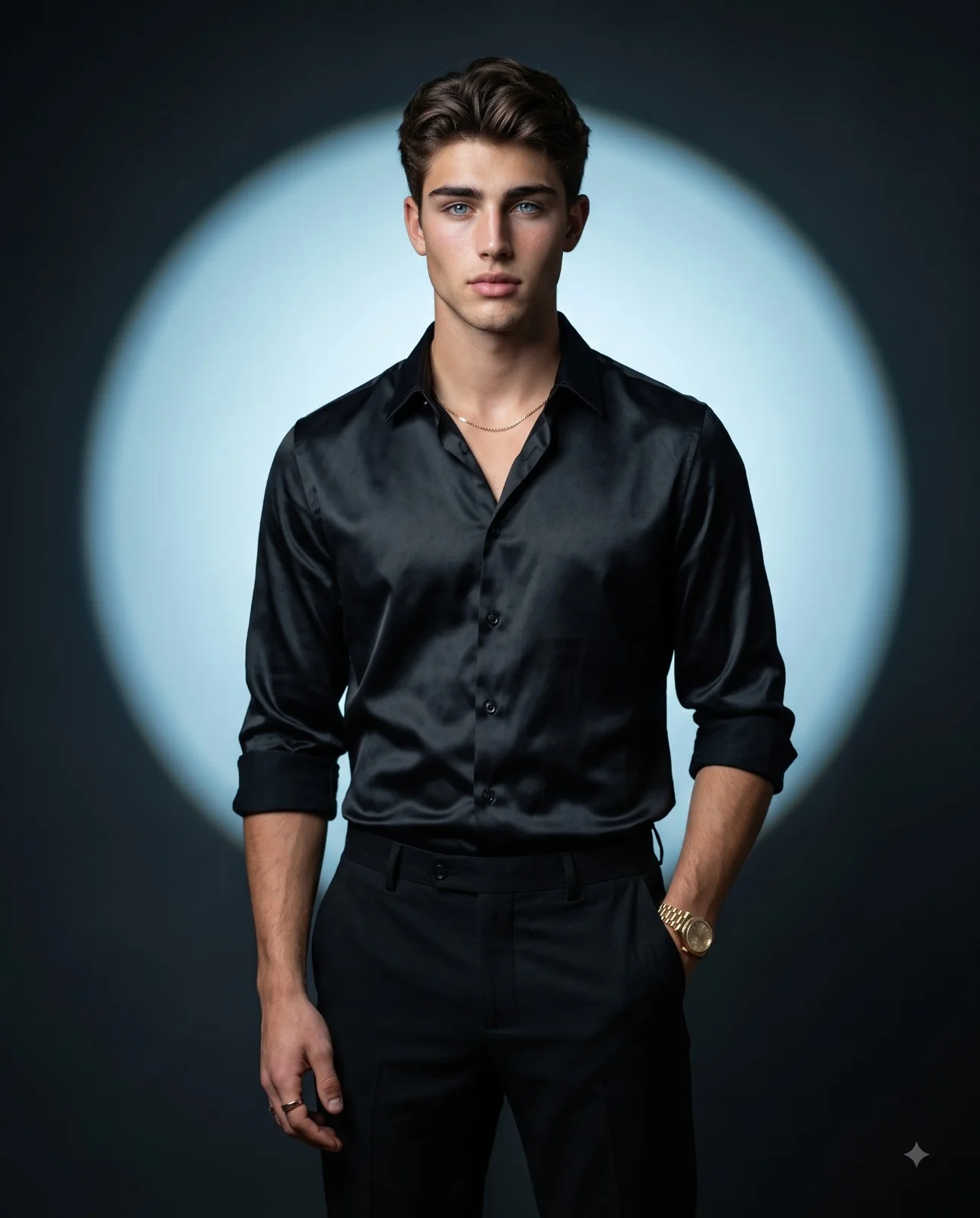
Create a cinematic fashion-editorial portrait of a man with a surreal, poetic atmosphere.
Composition & Framing:
Waist-up shot with the subject centered in the frame. The subject occupies the middle vertical portion of the composition, leaving subtle negative space around the figure to emphasize the dramatic lighting and atmosphere.
Pose:
The subject stands still in a calm, contemplative posture. His upper-body is angled in a subtle three-quarter turn (15–20°) to the right, while his head is slightly tilted upward as he gazes forward, just off-camera. His arms hang naturally and relaxed at his sides, contributing to a composed, statuesque presence. The overall pose creates a reflective and aspirational mood.
Styling & Outfit:
He wears a soft, dark brown linen shirt tucked into cream tailored trousers, creating a sophisticated, minimalist aesthetic.
Environment & Background:
The background is a smooth, dark, muted studio setting with charcoal tones. Positioned directly behind the subject's head is a large, radiant, glowing yellow circular light. This luminous disc creates a dramatic visual centerpiece and symbolic, almost celestial atmosphere.
Lighting:
Backlighting emanates from the glowing circular disc behind the subject, producing a bright halo effect. The backlight creates elegant rim lighting around the subject’s hair, face, shoulders, and shirt edges. Soft warm gradient illumination subtly wraps around the figure while the surrounding environment remains darker. Cinematic shadows and gentle contrast enhance depth and mood.
Camera & Lens:
Eye-level camera angle. Editorial photography style, captured with an 85mm lens at f/1.8 for a shallow depth of field.
Rendering Style:
8k Ultra-realistic textures, detailed facial features, high-fashion editorial photography aesthetic, cinematic color grading, soft atmospheric glow, refined lighting contrast, and professional studio quality.
aspect ratio: 4:5.
How to use this prompt
Paste the complete prompt into Gemini, ChatGPT. Add any required reference image, generate the first version without rewriting the source prompt, and then request one precise revision at a time.
Best AI model
Gemini, ChatGPT is the model identified by the original source page for this prompt.
Tips for better results
• Attach a clear, well-lit reference image and state which identity details must remain unchanged.
• Keep the requested 4:5 framing during revisions.
• Preserve the specified lighting direction and contrast before changing wardrobe, pose, or background.
• Generate the complete prompt first, then refine one visual detail per revision.
• Keep the core subject and composition consistent while comparing variations.
Frequently Asked Questions
What does “Eclipse Portrait” create?
It creates the subject, composition, and visual treatment described in the original prompt.
Which model should I use?
The source identifies Gemini, ChatGPT; follow the prompt's own model and reference-image requirements.
Can I customize the result?
Yes. Generate the original prompt first, then change one detail at a time while preserving the core composition.