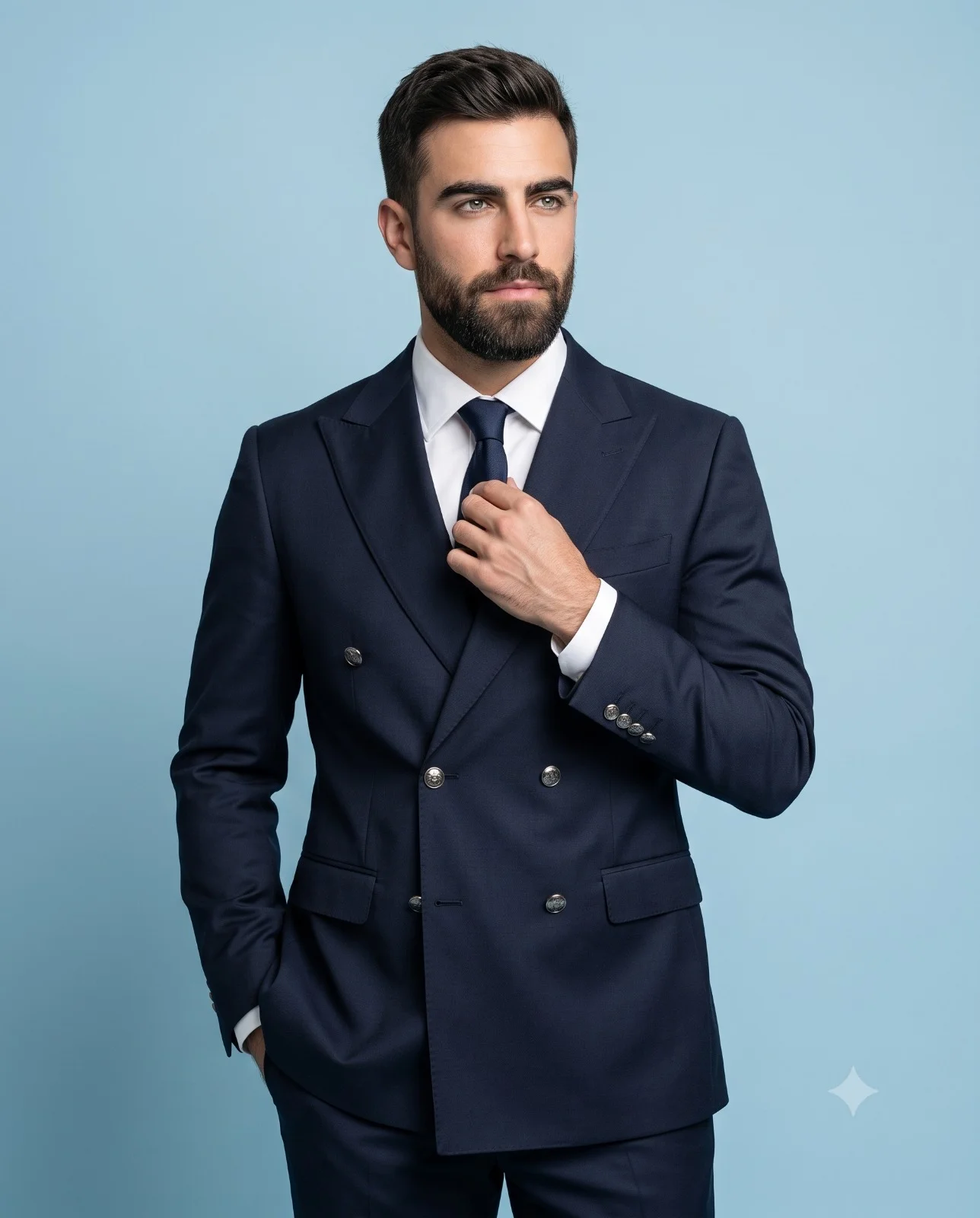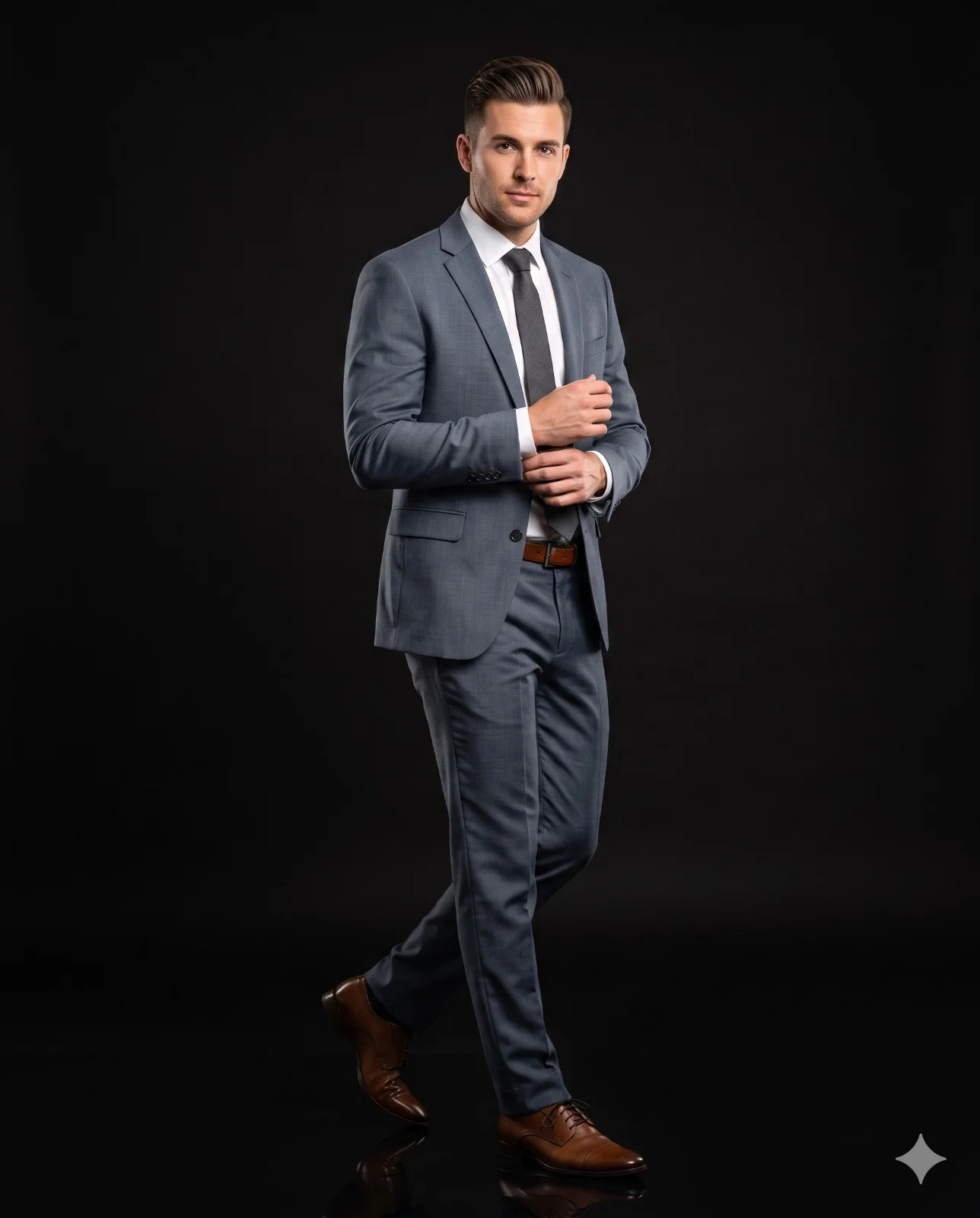
Walking Businessman on Black Studio Background
Prompt
Ultra-realistic, full-body fashion portrait of a man in a dynamic walking pose, captured in a professional studio setup. Use the uploaded image strictly for face matching and identity reference only.
The subject is slightly angled to the camera (approximately 30–45 degrees), mid-step as if walking forward, with one leg stepping ahead and the other slightly behind. His upper body is upright and confident, with one hand adjusting the sleeve cuff while the other rests naturally near the torso, creating a natural high-fashion model pose.
Facial expression is calm, confident, and slightly serious, with a subtle sharp gaze directed toward the camera. Hairstyle is neatly styled, slightly voluminous, and naturally shiny, conveying a premium groomed look.
He is wearing a perfectly tailored, two-piece slate gray formal outfit: a slim-fit slate gray blazer layered over a crisp white shirt and complemented by a refined charcoal gray necktie. The ensemble is paired with straight-fit slate gray trousers and finished with a brown leather belt. The fabric appears premium, smooth, and slightly matte, with realistic folds and stitching details. Polished brown leather dress shoes with a glossy finish complete the ensemble.
The background is a clean, minimal, solid black studio backdrop (infinity wall) with no edges, corners, or distractions. The background and floor merge seamlessly. The floor has a subtle reflective surface, creating a soft reflection of the subject’s shoes and enhancing the premium studio feel.
Lighting is soft, cinematic studio lighting from the front and slightly from the side, producing gentle shadows and depth on the face and outfit. It highlights facial features and fabric texture while maintaining natural skin tones.
Shot with a DSLR, 85mm lens, f/1.8 aperture, shallow depth of field. Ultra-realistic, 8K resolution, sharp focus, professional color grading, high-end fashion editorial style.
Aspect Ratio: 4:5 (vertical)
How to use this prompt
Paste the complete prompt into Gemini. Add any required reference image, generate the first version without rewriting the source prompt, and then request one precise revision at a time.
Best AI model
Gemini is the model identified by the original source page for this prompt.
Tips for better results
• Attach a clear, well-lit reference image and state which identity details must remain unchanged.
• Keep the requested 4:5 framing during revisions.
• Preserve the specified lighting direction and contrast before changing wardrobe, pose, or background.
• Generate the complete prompt first, then refine one visual detail per revision.
• Keep the core subject and composition consistent while comparing variations.
Frequently Asked Questions
What does “Ready for Business” create?
It creates the subject, composition, and visual treatment described in the original prompt.
Which model should I use?
The source identifies Gemini; follow the prompt's own model and reference-image requirements.
Can I customize the result?
Yes. Generate the original prompt first, then change one detail at a time while preserving the core composition.