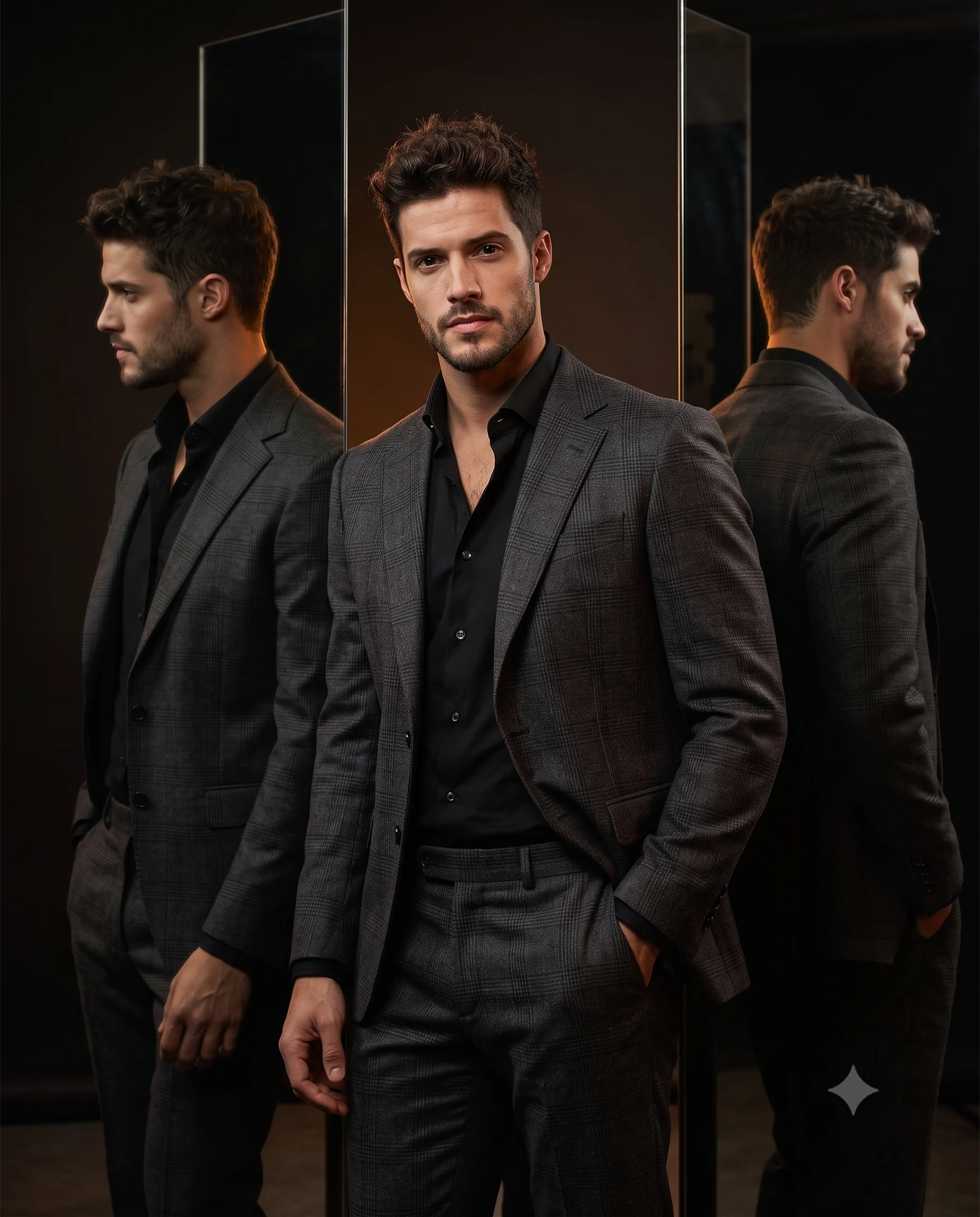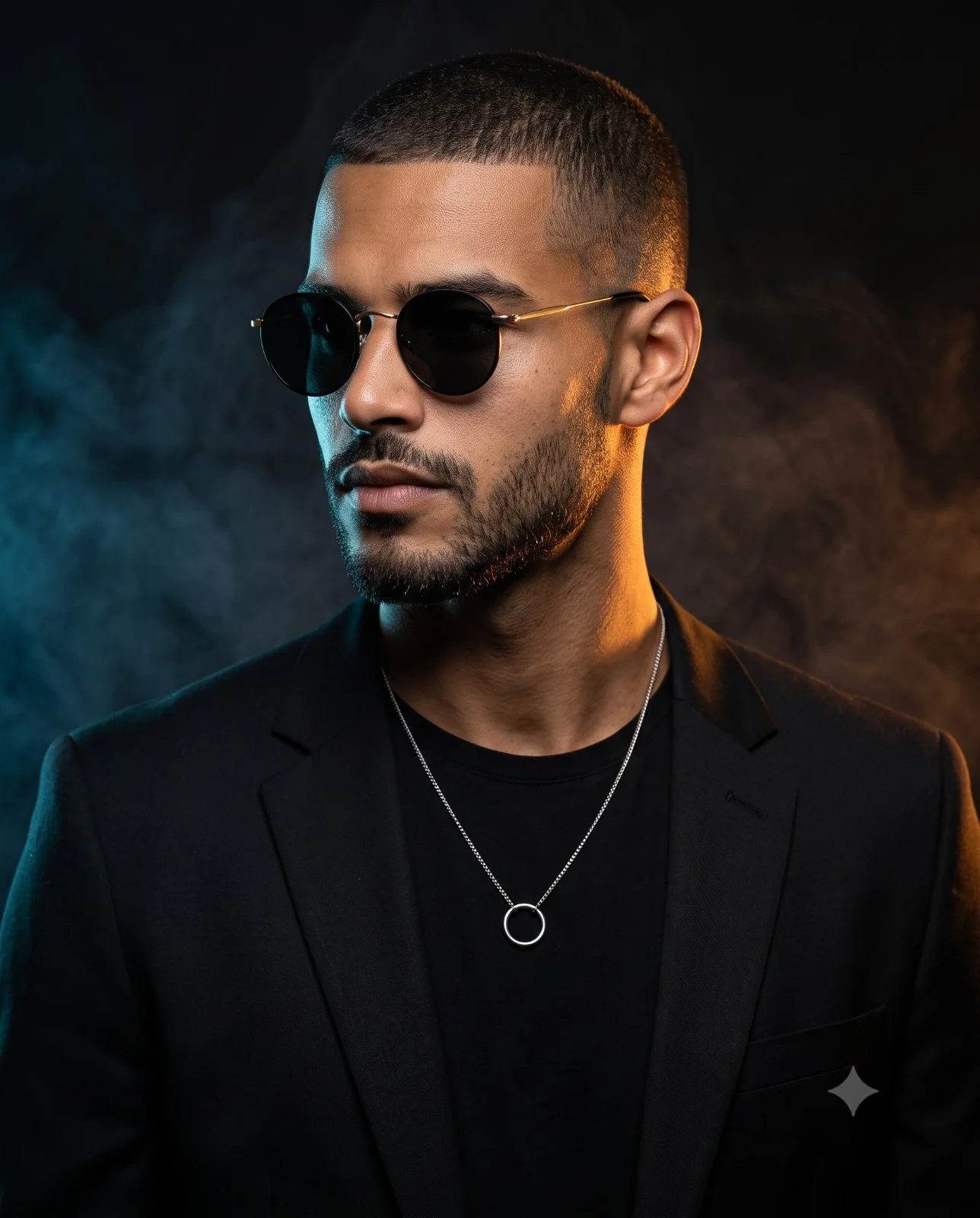
Teal and Orange Male Fashion Portrait Prompt
Prompt
Create a hyper-realistic cinematic studio portrait of a confident man with a modern, masculine appearance. He wears minimalist round black sunglasses with thin gold metal frames, and a delicate silver chain necklace featuring a circular ring pendant.

He is dressed in a tailored matte-black blazer layered over a fitted black crew-neck T-shirt, creating a sleek monochromatic luxury look. His expression is calm, serious, and confident, with his head turned slightly to his left while looking off-camera.

The portrait is captured as a chest-up composition at eye-level, using an 85mm portrait lens, with shallow depth of field (f/1.8) for beautiful background separation. The subject occupies approximately 55–60% of the frame, leaving subtle negative space around the head.

The lighting is dramatic and cinematic. A warm amber rim light from camera-right illuminates the right side of his face, shoulder, and hair, creating a glowing golden edge. A cool blue rim light from camera-left outlines the opposite side, producing a striking teal-and-orange color contrast. A soft frontal key light gently reveals facial details while maintaining deep shadows and a moody low-key atmosphere.

The background is a seamless black studio backdrop filled with subtle atmospheric smoke. Blue smoke drifts across the left side, while warm orange smoke glows on the right, blending naturally into the darkness. The smoke remains soft and diffused, adding depth without distracting from the subject.

Ultra-photorealistic skin texture with visible pores, crisp hair detail, premium fashion editorial styling, dramatic contrast, rich blacks, cinematic color grading, HDR quality, razor-sharp focus on the face, luxury magazine cover aesthetic, professional studio photography, 8K ultra-realistic, highly detailed. Aspect ratio 4:5.
How to use this prompt
Paste the complete prompt into Gemini. Add any required reference image, generate the first version without rewriting the source prompt, and then request one precise revision at a time.
Best AI model
Gemini is the model identified by the original source page for this prompt.
Tips for better results
• Keep the requested 4:5 framing during revisions.
• Preserve the specified lighting direction and contrast before changing wardrobe, pose, or background.
• Generate the complete prompt first, then refine one visual detail per revision.
• Keep the core subject and composition consistent while comparing variations.
Frequently Asked Questions
What does “Teal and Orange Portrait” create?
It creates the subject, composition, and visual treatment described in the original prompt.
Which model should I use?
The source identifies Gemini; follow the prompt's own model and reference-image requirements.
Can I customize the result?
Yes. Generate the original prompt first, then change one detail at a time while preserving the core composition.