Stylized Man in Black Suit and Bow Tie
Prompt
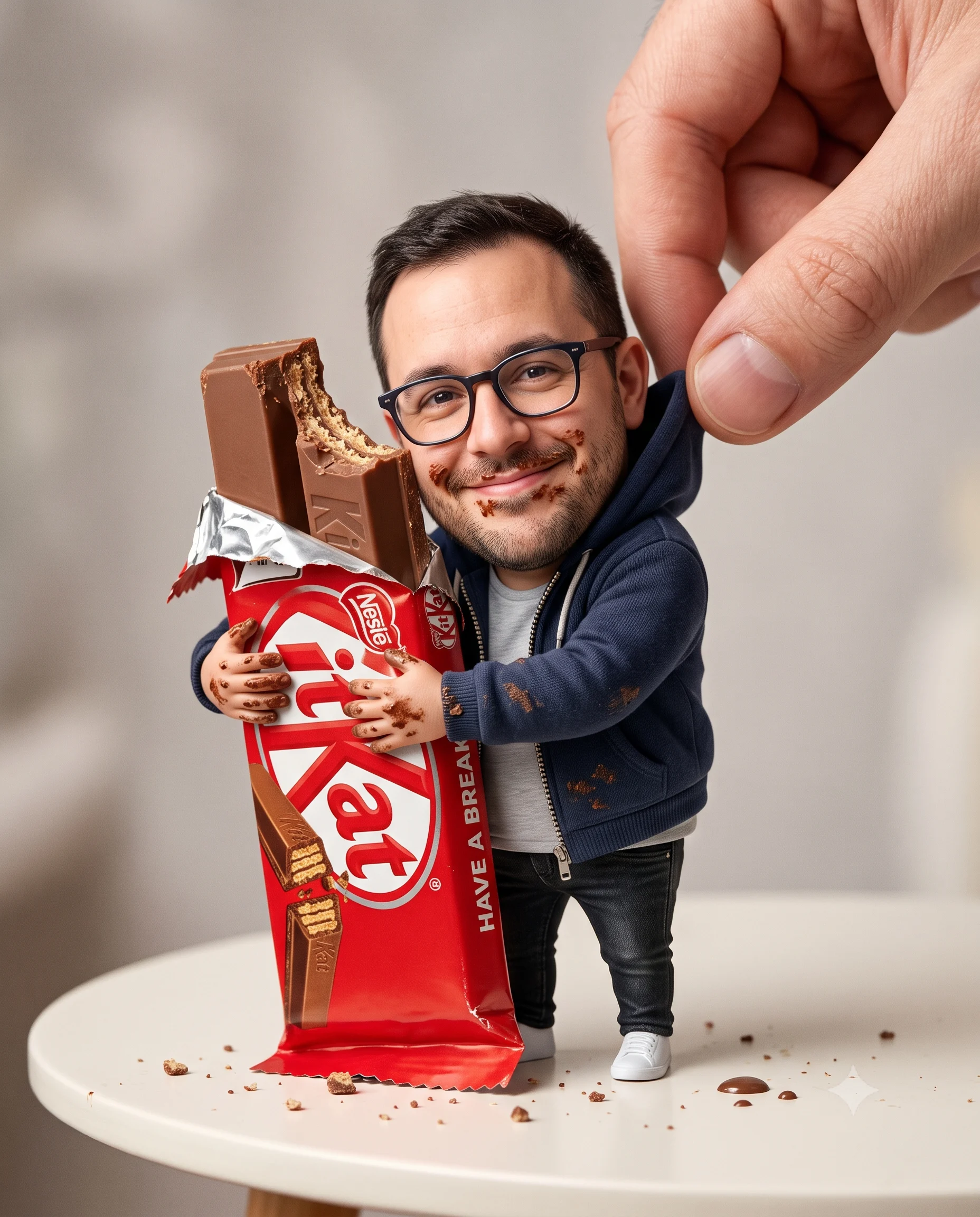
Reinterpret the individual in the attached photograph as an expressive, exaggerated 3D caricature while retaining their identity, skin color, likeness, defining facial traits, and recognizability.

Deliberately reshape the figure with a long neck, a pronounced oversized head-to-neck relationship, drooping lids, heavy lips, and gentle asymmetry. Keep the result human but unmistakably bold and stylized.

Give the skin an immaculate controlled studio surface. It should be smooth and premium, with realistic shading and delicate subsurface scatter, never marred by random grain, freckles, dirt, blemishes, noise, or speckles. Use intentionally designed polished materials.

Style the character in luxury fashion and striking upscale accessories, creating a weird, fashion-forward collectible personality rather than a cute or realistic portrait.

Against a plain off-white or neutral-gray background, use even neutral studio illumination and soft diffuse shadows without harsh contrast.

Render in sharp ultra-HD 4K at vertical 4:5, with cinematic clarity, micro-surface definition, high-resolution materials, PBR, global illumination, soft reflections, and noise-free professional polish. Include no text, branding, or watermarks.
How to use this prompt
Paste the complete prompt into Gemini. Add any required reference image, generate the first version without rewriting the source prompt, and then request one precise revision at a time.
Best AI model
Gemini is the model identified by the original source page for this prompt.
Tips for better results
• Attach a clear, well-lit reference image and state which identity details must remain unchanged.
• Keep the requested 4:5 framing during revisions.
• Preserve the specified lighting direction and contrast before changing wardrobe, pose, or background.
• Check generated typography carefully and regenerate only the text area if lettering is inaccurate.
• Generate the complete prompt first, then refine one visual detail per revision.
Frequently Asked Questions
What does “The Animated Icon” create?
It creates the subject, composition, and visual treatment described in the original prompt.
Which model should I use?
The source identifies Gemini; follow the prompt's own model and reference-image requirements.
Can I customize the result?
Yes. Generate the original prompt first, then change one detail at a time while preserving the core composition.