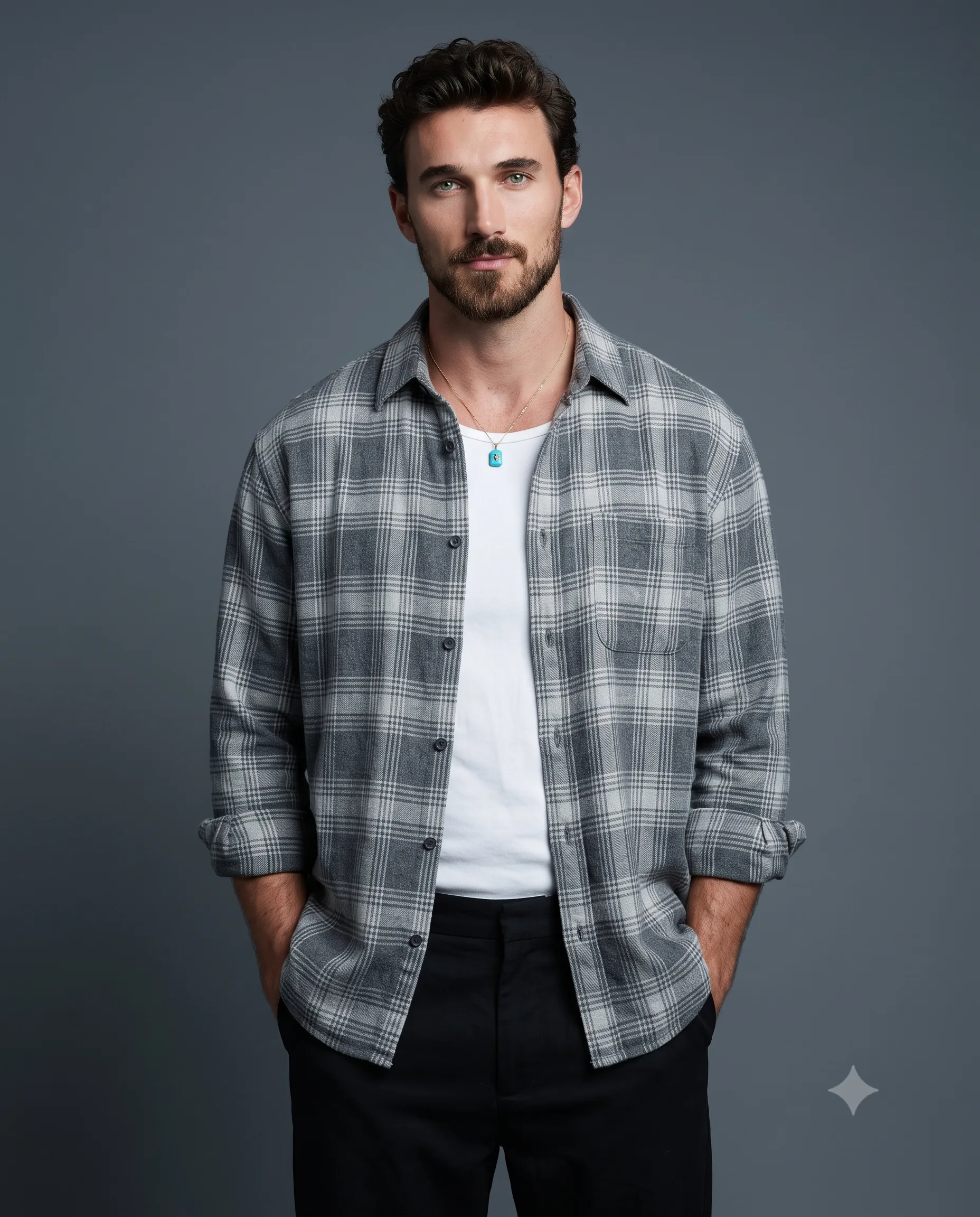
Split Light Man in White Shirt Studio Portrait
Prompt
Use the uploaded image strictly ONLY for 100% accurate face matching.
Create an detailed studio photograph capturing a stylish man posing confidently in a modern, studio. He is wearing dark, rectangular sunglasses, A loose-fitting white shirt, slightly unbuttoned at the top, with rolled-up sleeves, neatly tucked into black wide-leg trousers, paired with a black belt, and a simple silver chain necklace. A golden-link watch is visible on his left wrist.
He is standing, angled slightly to his right but looking directly at the camera. His right hand is casually placed in his front pants pocket, and his left arm hangs loosely at his side. He has a neutral, relaxed expression. The background features seamless dark-gray studio infinity walls, enhanced by a subtle radiant glow and soft vignette effect that adds depth and draws attention to the subject. Lighting: The scene is illuminated by dramatic studio lighting. A soft, warm key light from the left side of the frame casts gentle highlights across his face, hair, right shoulder, and white shirt. A subtle, cool blue rim light from the right side of the frame accentuates the contours of his hair and the edges of his white shirt, creating depth and enhancing separation from the background. The camera is at eye level, a medium full shot capturing him from the knees up. The focus is sharp on the man, with the background elements softly receding.
Technical details: High-resolution digital photograph, shot on a full-frame camera, 50mm, f/1.8. sharp detail on the white shirt, metal watch links. Professional color grading with deep blacks and rich, saturated warm and cool tones.
Aspect Ratio: 4:5.
How to use this prompt
Paste the complete prompt into Gemini, ChatGPT. Add any required reference image, generate the first version without rewriting the source prompt, and then request one precise revision at a time.
Best AI model
Gemini, ChatGPT is the model identified by the original source page for this prompt.
Tips for better results
• Attach a clear, well-lit reference image and state which identity details must remain unchanged.
• Keep the requested 4:5 framing during revisions.
• Preserve the specified lighting direction and contrast before changing wardrobe, pose, or background.
• Generate the complete prompt first, then refine one visual detail per revision.
• Keep the core subject and composition consistent while comparing variations.
Frequently Asked Questions
What does “Split-Lit Studio Portrait” create?
It creates the subject, composition, and visual treatment described in the original prompt.
Which model should I use?
The source identifies Gemini, ChatGPT; follow the prompt's own model and reference-image requirements.
Can I customize the result?
Yes. Generate the original prompt first, then change one detail at a time while preserving the core composition.