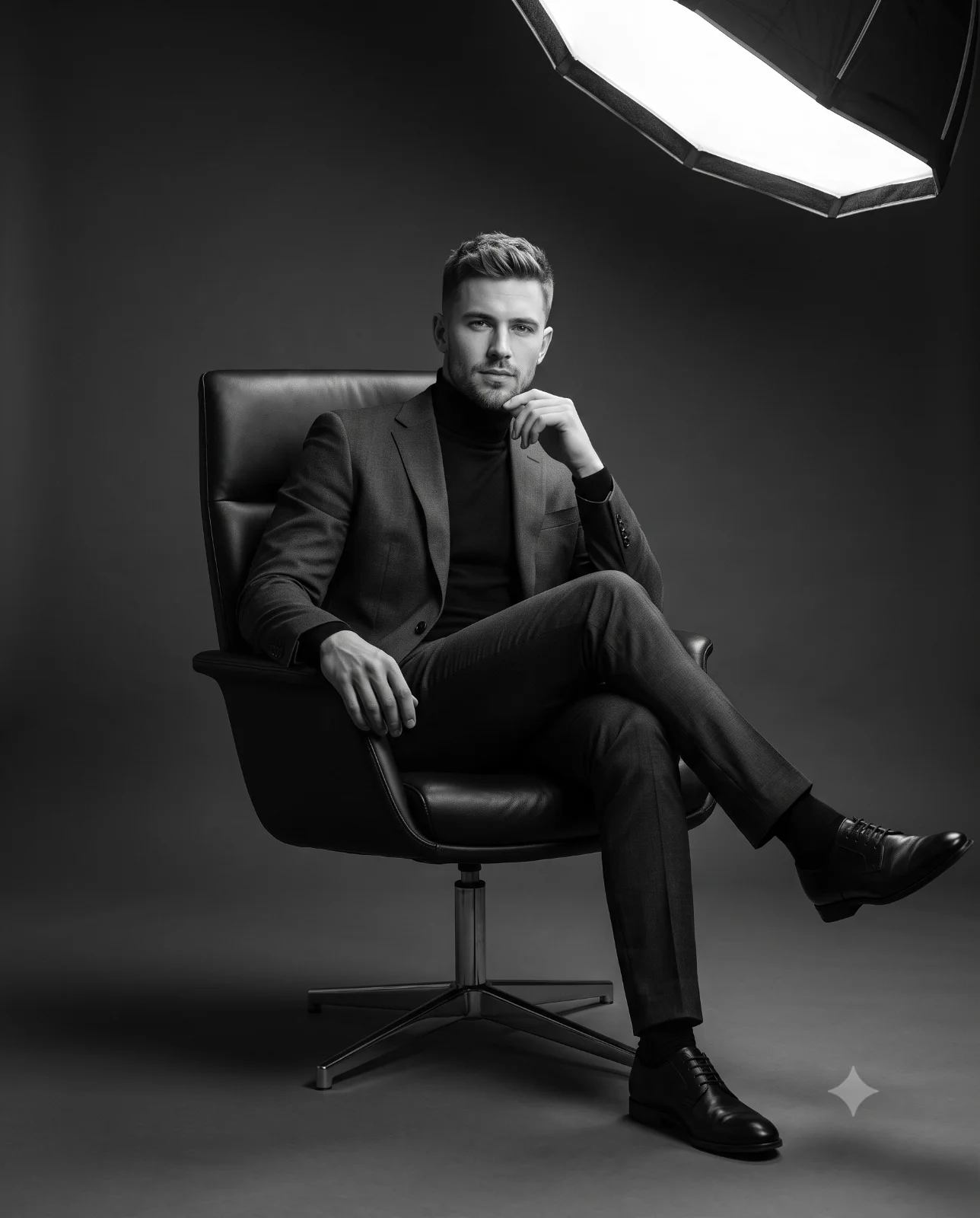
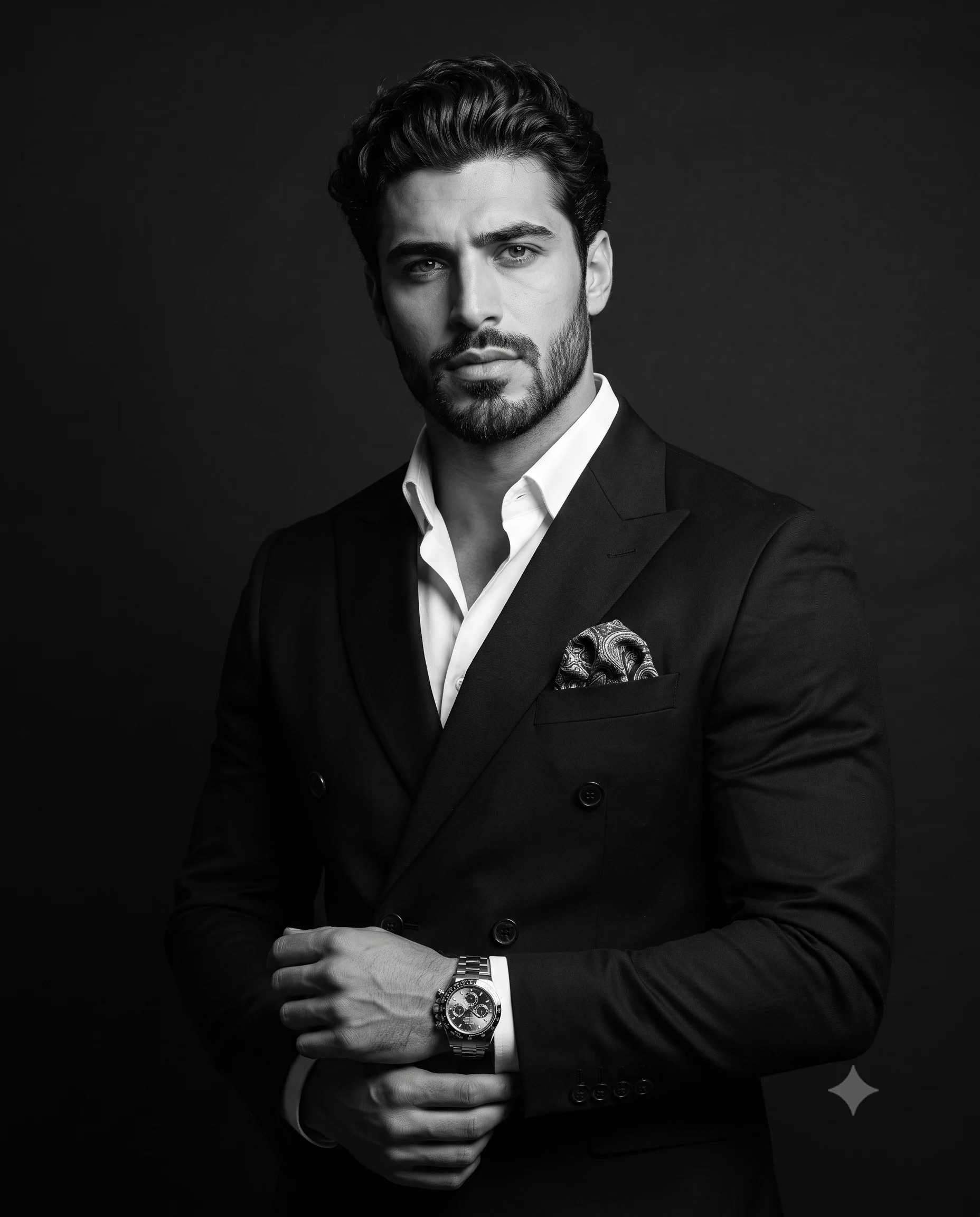
Split Face Black and White Couple Portrait Prompt
Prompt
Create a striking, ultra-realistic black-and-white extreme close-up portrait of two subjects in a dramatic split composition. The primary subject occupies the left side of the frame in the foreground, with only the right half of their face visible as the rest is cropped by the left edge. Their skin displays extraordinary micro-detail, including visible pores, subtle skin texture, fine lines. A highly intricate Chinese dragon tattoo wraps around the neck, rendered with razor-sharp detail. The eye is intensely focused, piercing, and directed straight into the camera.
Positioned slightly behind on the right side is a second subject, partially concealed by the foreground figure. Their face emerges from the shadows with flawless, smooth skin, luminous highlights, perfectly shaped natural eyebrows. Both subjects wear simple white garments and maintain a powerful, unwavering gaze into the lens, conveying confidence, intensity, and emotional depth.
Composition is an extremely tight vertical close-up. The man is the primary subject and dominant focal point, occupying the foreground on the left side of the frame, while the woman is the secondary subject, positioned slightly behind him on the right and partially concealed by his face. The layered arrangement creates strong visual depth, tension, and cinematic intimacy.
Lighting is dramatic high-contrast chiaroscuro studio lighting. A focused key light from the front-left sculpts facial features, accentuating every pore, wrinkle, and tattoo detail on the foreground subject, while creating smooth, glossy highlights across the skin and lips of the background subject. Deep shadows fade seamlessly into a pure pitch-black background, producing a cinematic fine-art aesthetic with exceptional dimensionality.
Shot on an 85mm portrait lens, f/4 aperture, shallow depth of field, tack-sharp focus on both eyes, rich tonal separation, deep blacks, brilliant highlights, hyper-realistic skin rendering, ultra-fine texture reproduction, editorial luxury portrait photography, cinematic monochrome grading, museum-quality detail, HDR tonality, masterpiece photography, 8K resolution.
Aspect ratio 4:5.
How to use this prompt
Paste the complete prompt into Gemini. Add any required reference image, generate the first version without rewriting the source prompt, and then request one precise revision at a time.
Best AI model
Gemini is the model identified by the original source page for this prompt.
Tips for better results
• Keep the requested 4:5 framing during revisions.
• Preserve the specified lighting direction and contrast before changing wardrobe, pose, or background.
• Generate the complete prompt first, then refine one visual detail per revision.
• Keep the core subject and composition consistent while comparing variations.
Frequently Asked Questions
What does “Stark Juxtaposition” create?
It creates the subject, composition, and visual treatment described in the original prompt.
Which model should I use?
The source identifies Gemini; follow the prompt's own model and reference-image requirements.
Can I customize the result?
Yes. Generate the original prompt first, then change one detail at a time while preserving the core composition.