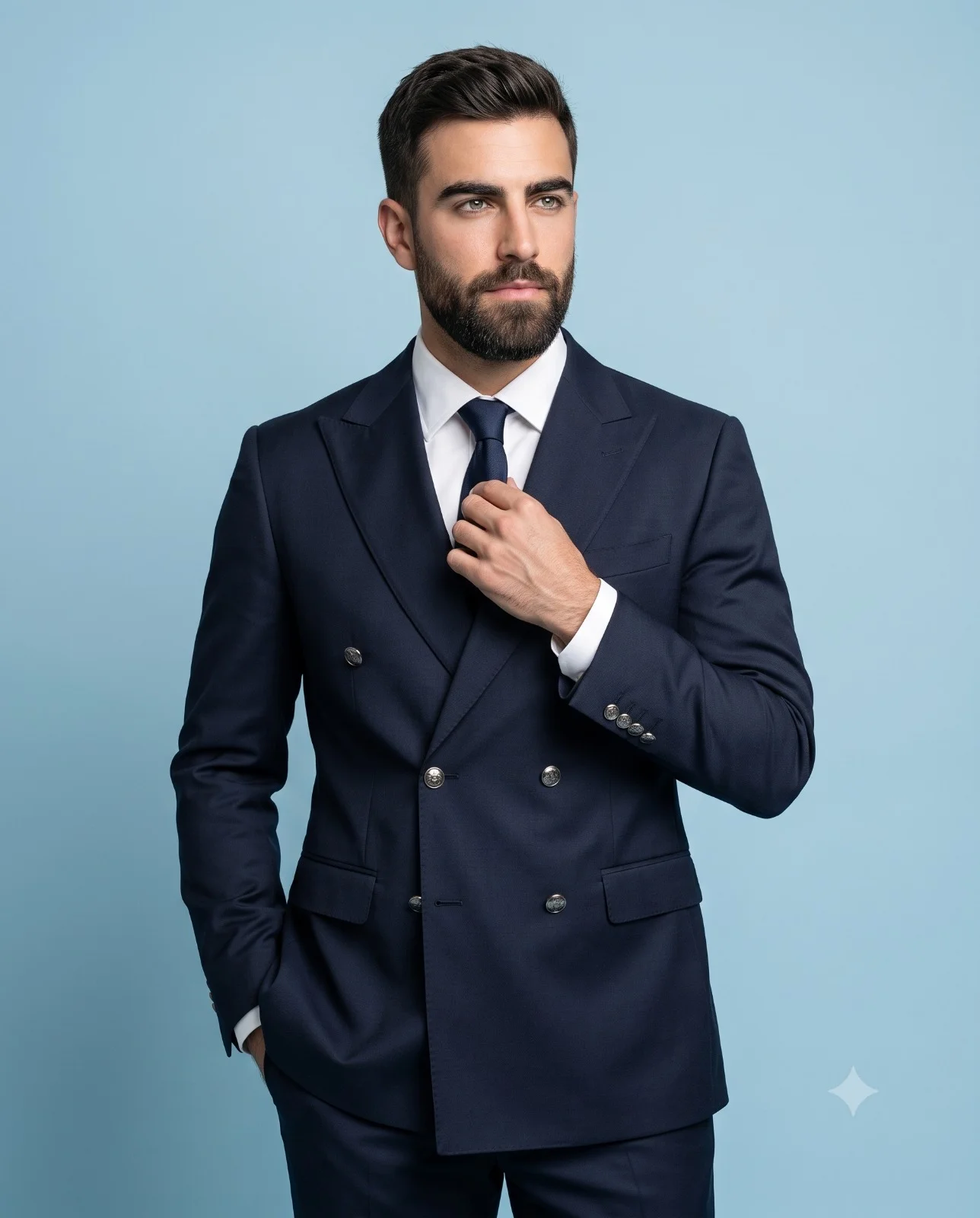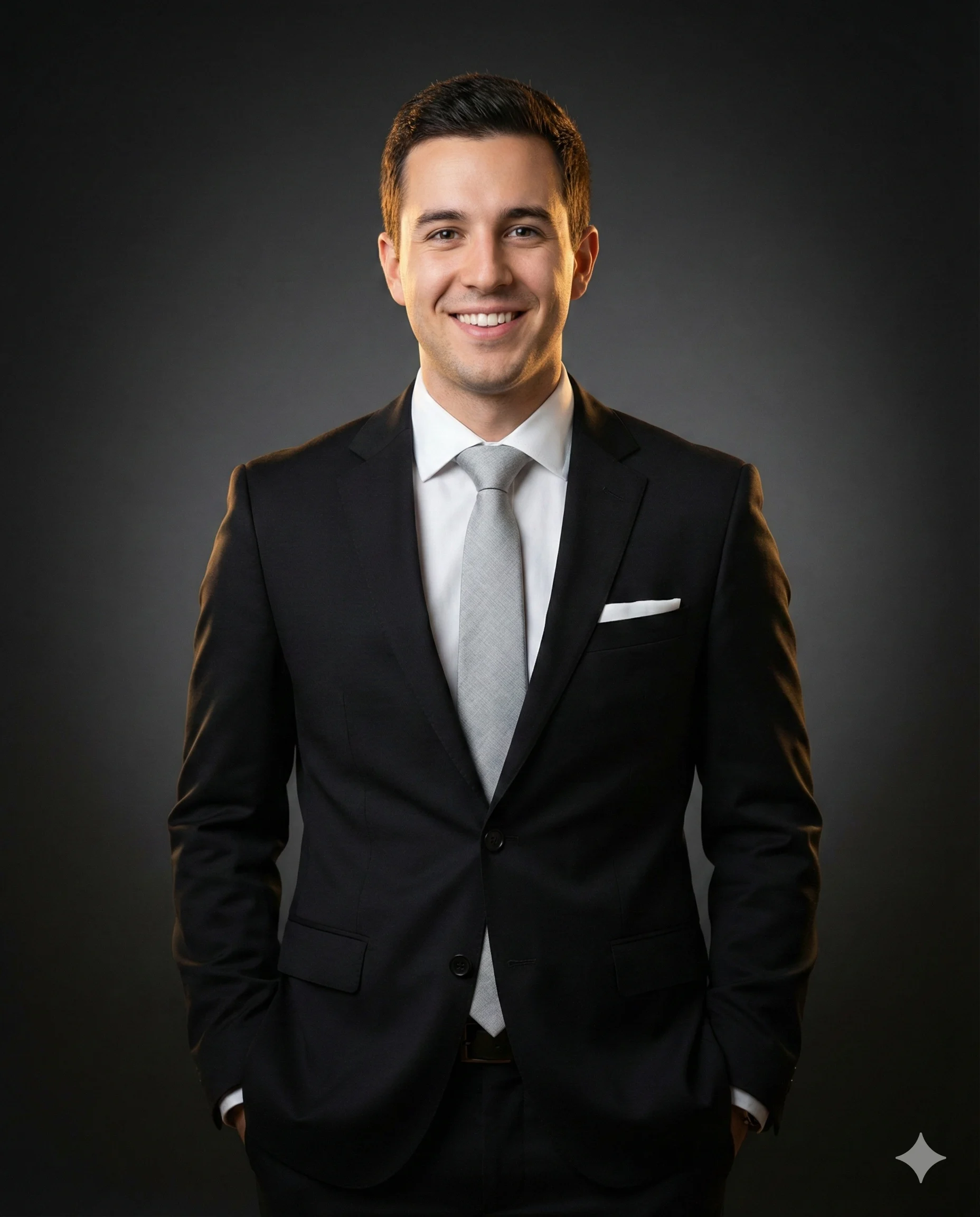
Professional Man in Black Suit Business Portrait Prompt
Prompt
IDENTITY & EXPRESSION (TOP PRIORITY): Strict face matching based on the reference image’s exact identity, structure, and features. A confidently smiling businessman making genuine direct eye contact with the camera.
ATTIRE & POSE: Medium-length portrait framing (mid-thigh crop), body facing straight forward with both hands casually in trouser pockets. Wearing a tailored matte black two-button suit jacket, crisp white dress shirt, a light grey textured woven tie (silk/wool appearance), and a white presidential fold pocket square.
LIGHTING & BACKGROUND: Cinematic studio lighting setup: Soft directional frontal key light creating flattering shadows, balanced by warm golden rim lighting from behind to outline shoulders and hair. Seamless dark charcoal-grey smooth background with a subtle centered spotlight vignette.
TECHNICAL SPECS: 4:5 portrait aspect ratio. Shot with an 85mm portrait lens at moderate aperture for studio-grade sharpness. 4K ultra-photorealistic detail: sharp focus on suit fabric texture, tie weave, individual hair strands catching rim light, and ultra-fine skin details. Editorial corporate monochrome palette with warm accents.
How to use this prompt
Paste the complete prompt into Gemini. Add any required reference image, generate the first version without rewriting the source prompt, and then request one precise revision at a time.
Best AI model
Gemini is the model identified by the original source page for this prompt.
Tips for better results
• Attach a clear, well-lit reference image and state which identity details must remain unchanged.
• Preserve the specified lighting direction and contrast before changing wardrobe, pose, or background.
• Generate the complete prompt first, then refine one visual detail per revision.
• Keep the core subject and composition consistent while comparing variations.
Frequently Asked Questions
What does “Formal Business Excellence” create?
It creates the subject, composition, and visual treatment described in the original prompt.
Which model should I use?
The source identifies Gemini; follow the prompt's own model and reference-image requirements.
Can I customize the result?
Yes. Generate the original prompt first, then change one detail at a time while preserving the core composition.