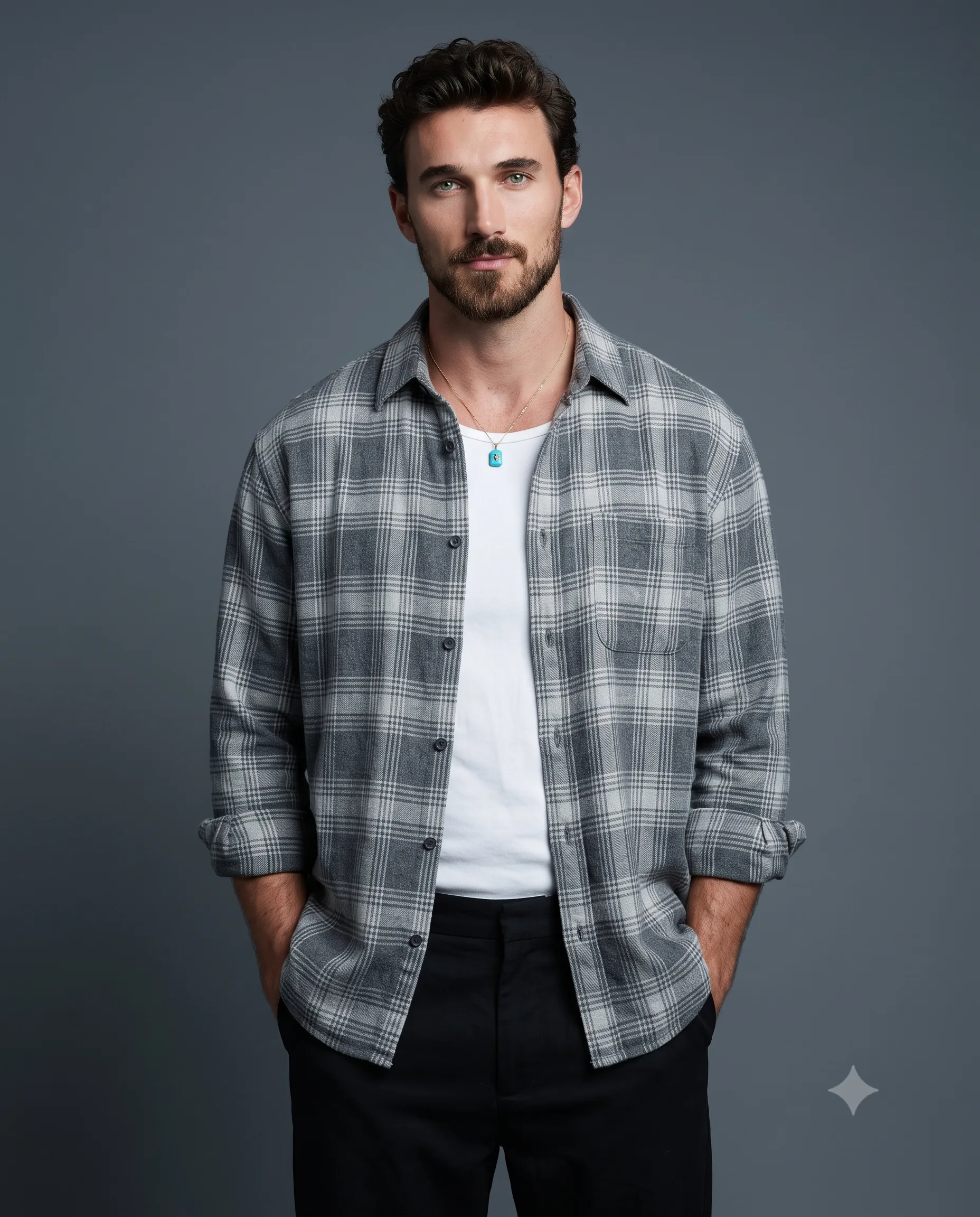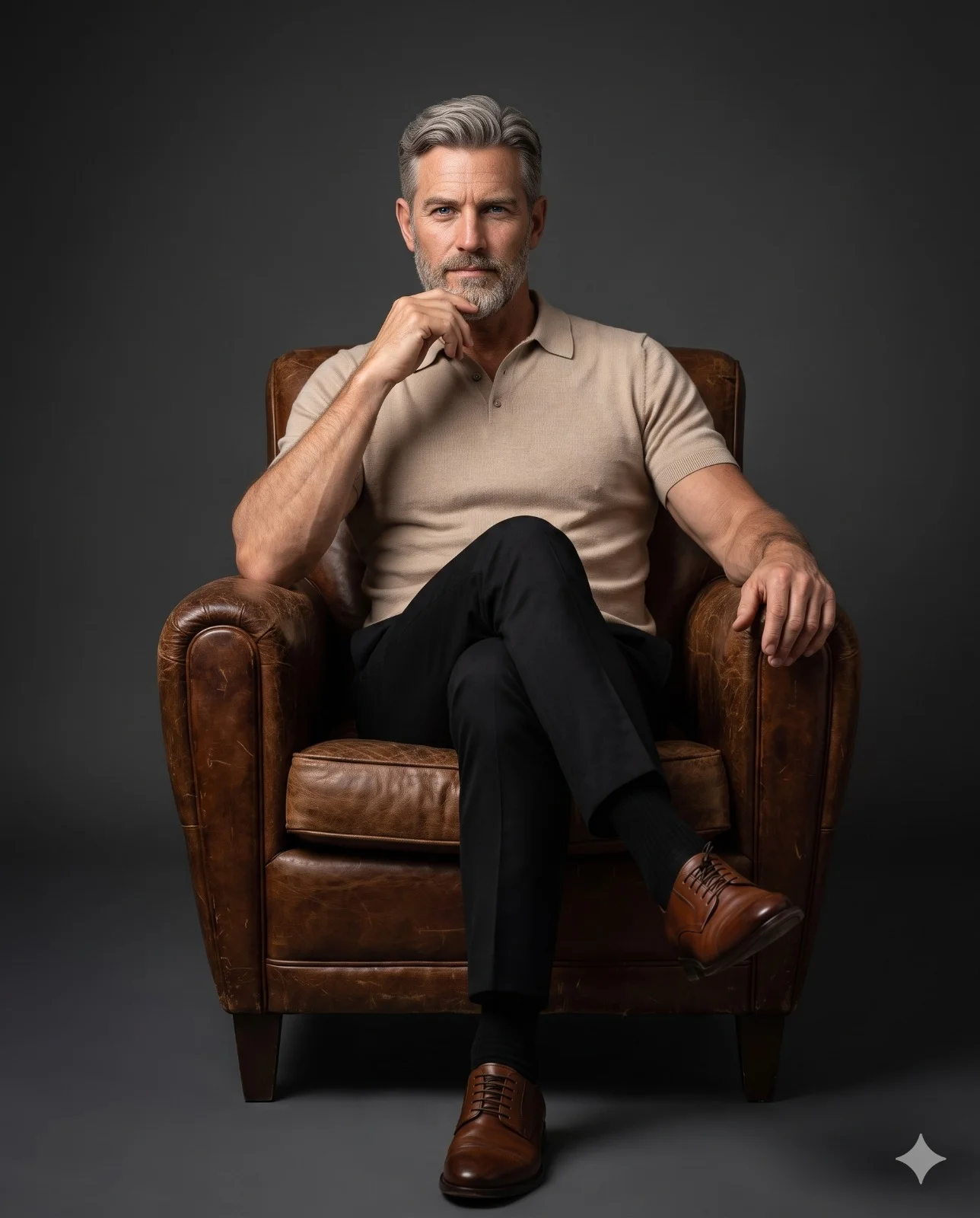
Man Seated in Leather Chair Studio Portrait
Prompt
Reference the upload only for the man’s face and identity. Build an ultra-real 8K full-length seated studio portrait with quiet-luxury character. Center him and a distressed vintage brown-leather club chair symmetrically in vertical 4:5, leaving clean space around the chair. He sits deep with one leg naturally crossed, left fingertips touching his chin, opposite arm on the armrest, squared shoulders, and a calm intense direct gaze.

Give him neat hair, a premium beige short-sleeve fine-knit polo with structured collar, tailored black trousers, black socks, and polished brown leather derby shoes with natural creases. Use a seamless dark-gray gradient backdrop with soft vignette.

From viewer-left, apply soft directional key light that creates understated Rembrandt modeling. Warm highlights reveal skin, face shape, fabric weave, leather grain, and shoe finish; quiet fill balances contrast. Shoot eye-level at 85mm and f/2.8 with shallow depth, tack-sharp face and eyes, HDR, rich contrast, cinematic luxury-editorial grading, and masterpiece realism. Aspect ratio 4:5.
How to use this prompt
Paste the complete prompt into Gemini. Add any required reference image, generate the first version without rewriting the source prompt, and then request one precise revision at a time.
Best AI model
Gemini is the model identified by the original source page for this prompt.
Tips for better results
• Attach a clear, well-lit reference image and state which identity details must remain unchanged.
• Keep the requested 4:5 framing during revisions.
• Preserve the specified lighting direction and contrast before changing wardrobe, pose, or background.
• Generate the complete prompt first, then refine one visual detail per revision.
• Keep the core subject and composition consistent while comparing variations.
Frequently Asked Questions
What does “Casual Elegance” create?
It creates the subject, composition, and visual treatment described in the original prompt.
Which model should I use?
The source identifies Gemini; follow the prompt's own model and reference-image requirements.
Can I customize the result?
Yes. Generate the original prompt first, then change one detail at a time while preserving the core composition.