Light Blue Saree Woman Studio Portrait Prompt
Prompt
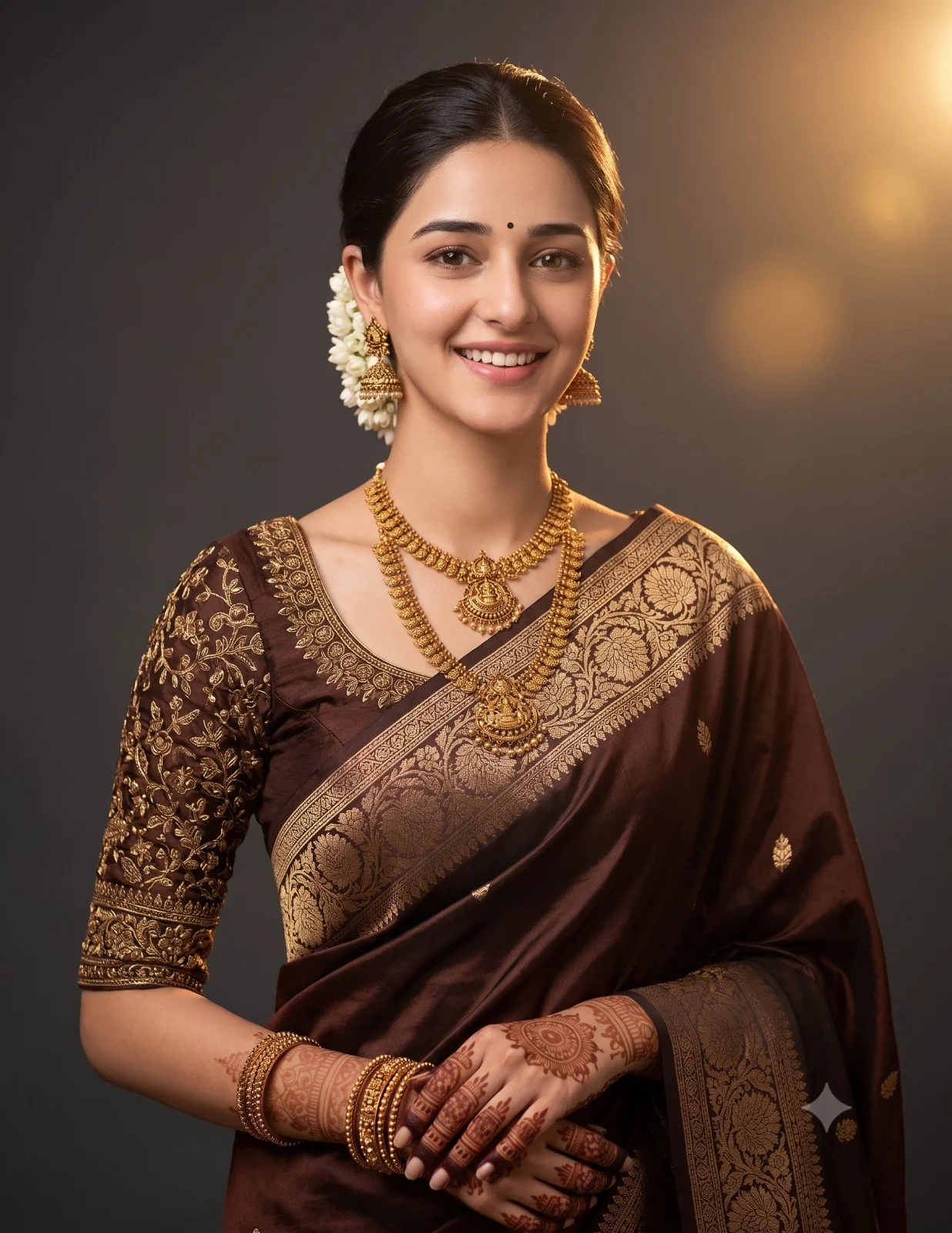
Create an ultra-realistic, high-end editorial studio portrait of the reference woman, preserving her natural facial identity, skin tone, and recognizable features. She has naturally styled hair flowing softly over her shoulders. Dress her in a delicate light blue sheer saree with elegant silver floral embroidery along the border, gracefully draped over a light-toned blouse. Add refined accessories: a thin gold necklace with a small pendant, subtle stud earrings, a small red bindi, soft pink lipstick, and a rose gold wristwatch on her left wrist.
Pose her in a calm, graceful manner, looking softly toward the right side of the frame with a gentle, thoughtful, and serene expression. Use a clean minimalist light grey or off-white studio background with a soft out-of-focus finish. Light the portrait with soft diffused studio lighting that flatters her face and highlights the airy fabric, embroidery details, and natural skin texture.
The overall mood should feel elegant, sophisticated, feminine, and timeless, with a luxurious professional photoshoot aesthetic. Capture it in a refined editorial style with realistic detail, soft depth of field, and premium visual quality. Aspect ratio: 4:5.
How to use this prompt
Paste the complete prompt into Gemini. Add any required reference image, generate the first version without rewriting the source prompt, and then request one precise revision at a time.
Best AI model
Gemini is the model identified by the original source page for this prompt.
Tips for better results
• Attach a clear, well-lit reference image and state which identity details must remain unchanged.
• Keep the requested 4:5 framing during revisions.
• Preserve the specified lighting direction and contrast before changing wardrobe, pose, or background.
• Generate the complete prompt first, then refine one visual detail per revision.
• Keep the core subject and composition consistent while comparing variations.
Frequently Asked Questions
What does “Girl in blue Saree” create?
It creates the subject, composition, and visual treatment described in the original prompt.
Which model should I use?
The source identifies Gemini; follow the prompt's own model and reference-image requirements.
Can I customize the result?
Yes. Generate the original prompt first, then change one detail at a time while preserving the core composition.