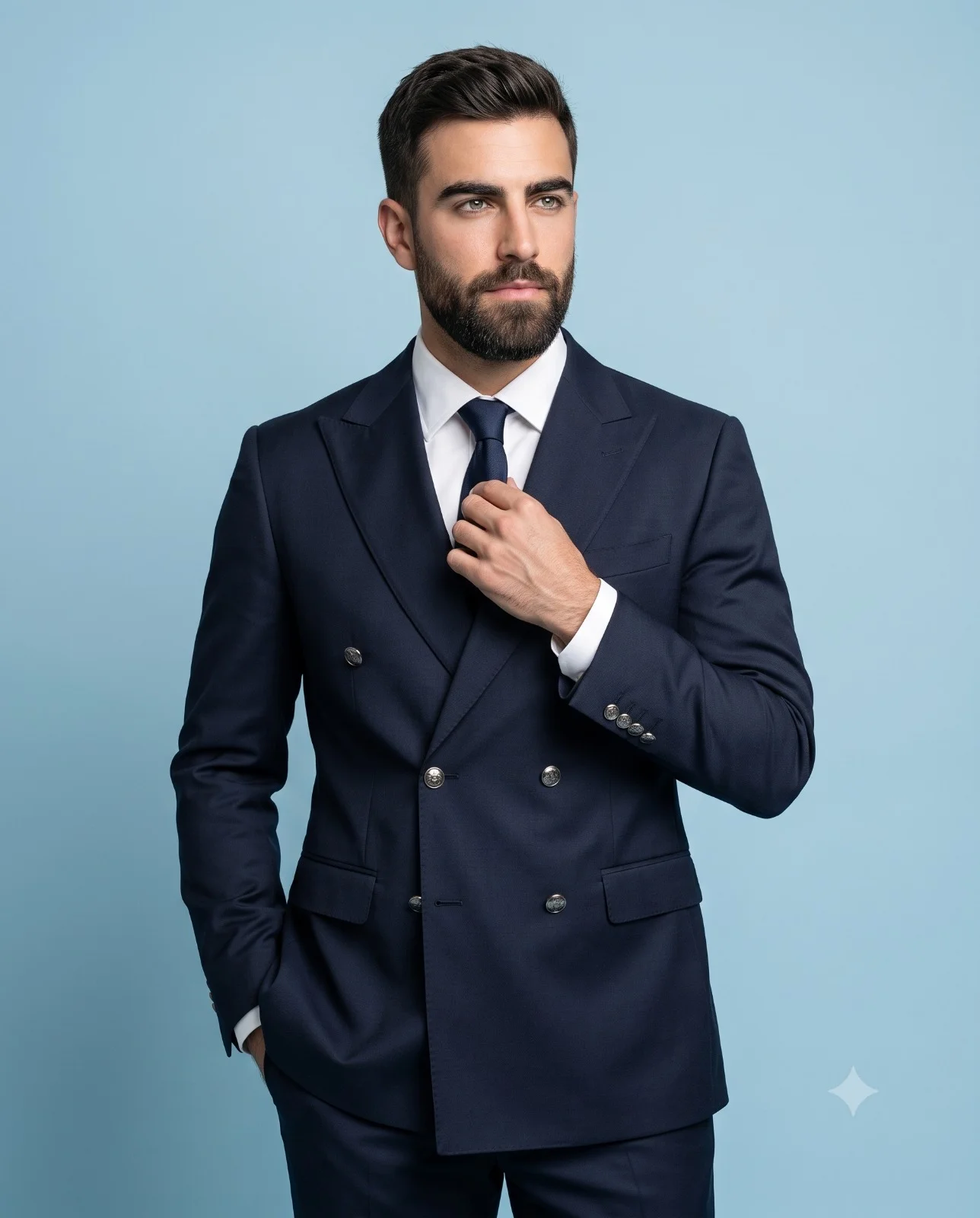
Gray Suit Executive with Aviator Sunglasses Prompt
Prompt
Create a 4K ultra-realistic studio portrait of a confident man whose face closely matches the reference image. Maintain strong facial identity preservation, including facial proportions, eye shape, nose structure, jawline, skin texture, and overall likeness.
Skin tone: medium cool olive.
Outfit

Tailored gray suit blazer with notch lapels
Wool-blend fabric with a smooth finish and very subtle texture
Matte black dress shirt, buttoned to the collar
Slim black tie
Accessories

Aviator sunglasses with thin silver metal frames
Blue-grey gradient lenses (darker at the top, gradually fading lighter toward the bottom)
Soft studio light reflections visible on lenses
Stainless steel luxury wristwatch with a metal link bracelet and dark dial, worn on the left wrist
Composition

Waist-up portrait
Body slightly angled to the left
Confident executive pose
Right hand placed in his pant pocket
Left hand is casually positioned in front of his body, with the wrist slightly bent and the watch visible
Subject looking directly at the camera
Cinematic fashion editorial style
Subject in sharp focus with clearly defined facial features
Background

Smooth dark teal-blue gradient studio backdrop, transitioning from deep teal at the edges to slightly lighter teal behind the subject’s head, with a soft vignette effect.
Lighting

Large diffused softbox key lighting from the upper left
Gentle Rembrandt-style facial shadow
Controlled reflections on sunglasses
Color Grading

Cool cinematic palette with:
Deep blacks
Teal background contrast
Natural warm skin tones
High contrast and sharp detail
Camera Settings

Angle: Eye-level
Shot type: Medium close-up portrait
85mm portrait lens
f/2.8
ISO 100
Shallow depth of field
4K ultra-realistic photography
Aspect ratio: 4:5 vertical portrait
How to use this prompt
Paste the complete prompt into Gemini. Add any required reference image, generate the first version without rewriting the source prompt, and then request one precise revision at a time.
Best AI model
Gemini is the model identified by the original source page for this prompt.
Tips for better results
• Attach a clear, well-lit reference image and state which identity details must remain unchanged.
• Keep the requested 4:5 framing during revisions.
• Preserve the specified lighting direction and contrast before changing wardrobe, pose, or background.
• Generate the complete prompt first, then refine one visual detail per revision.
• Keep the core subject and composition consistent while comparing variations.
Frequently Asked Questions
What does “Shaded Intent” create?
It creates the subject, composition, and visual treatment described in the original prompt.
Which model should I use?
The source identifies Gemini; follow the prompt's own model and reference-image requirements.
Can I customize the result?
Yes. Generate the original prompt first, then change one detail at a time while preserving the core composition.