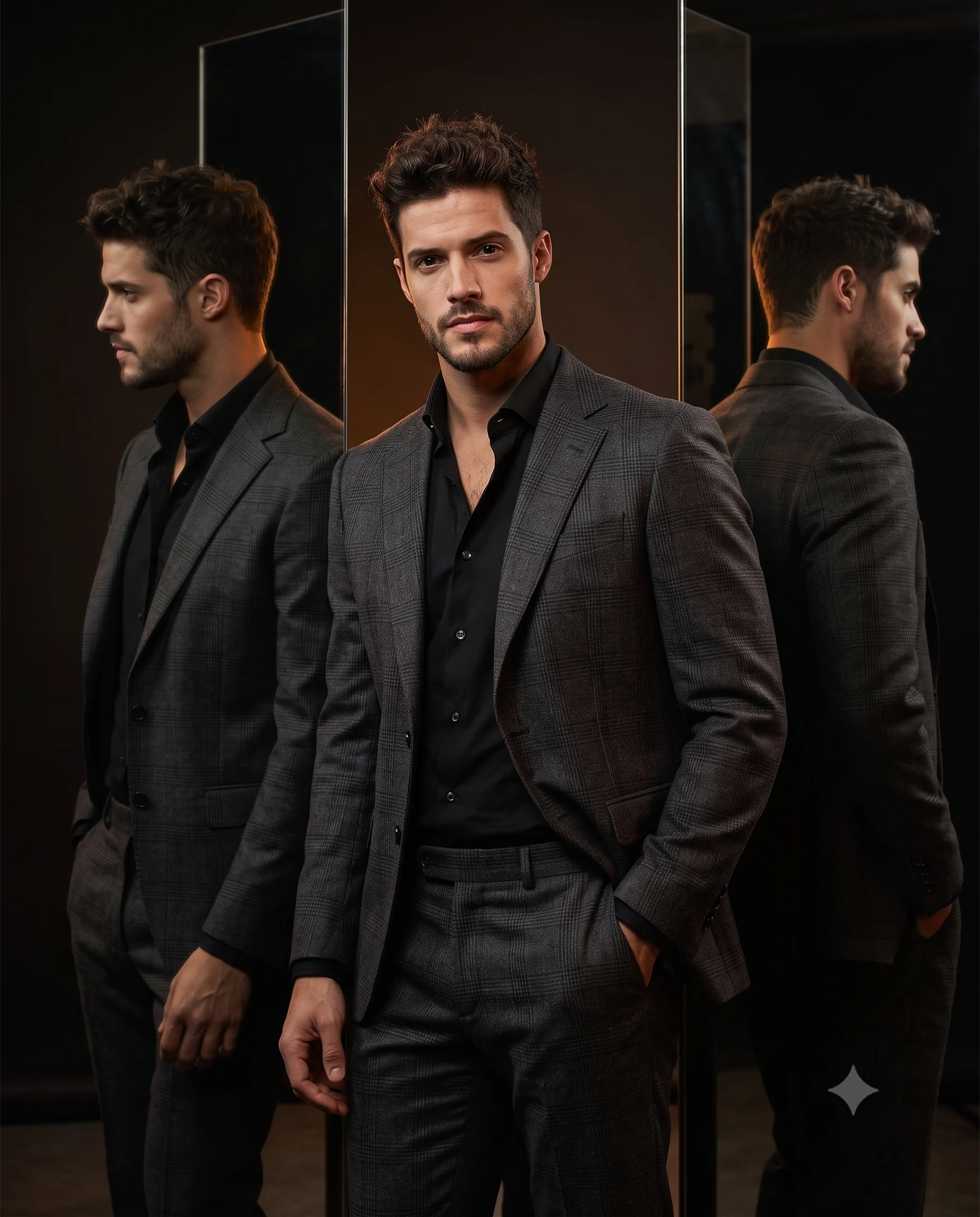
Golden Hour Bougainvillea Woman Portrait Prompt
Prompt
Use the uploaded image strictly ONLY for face and identity reference.
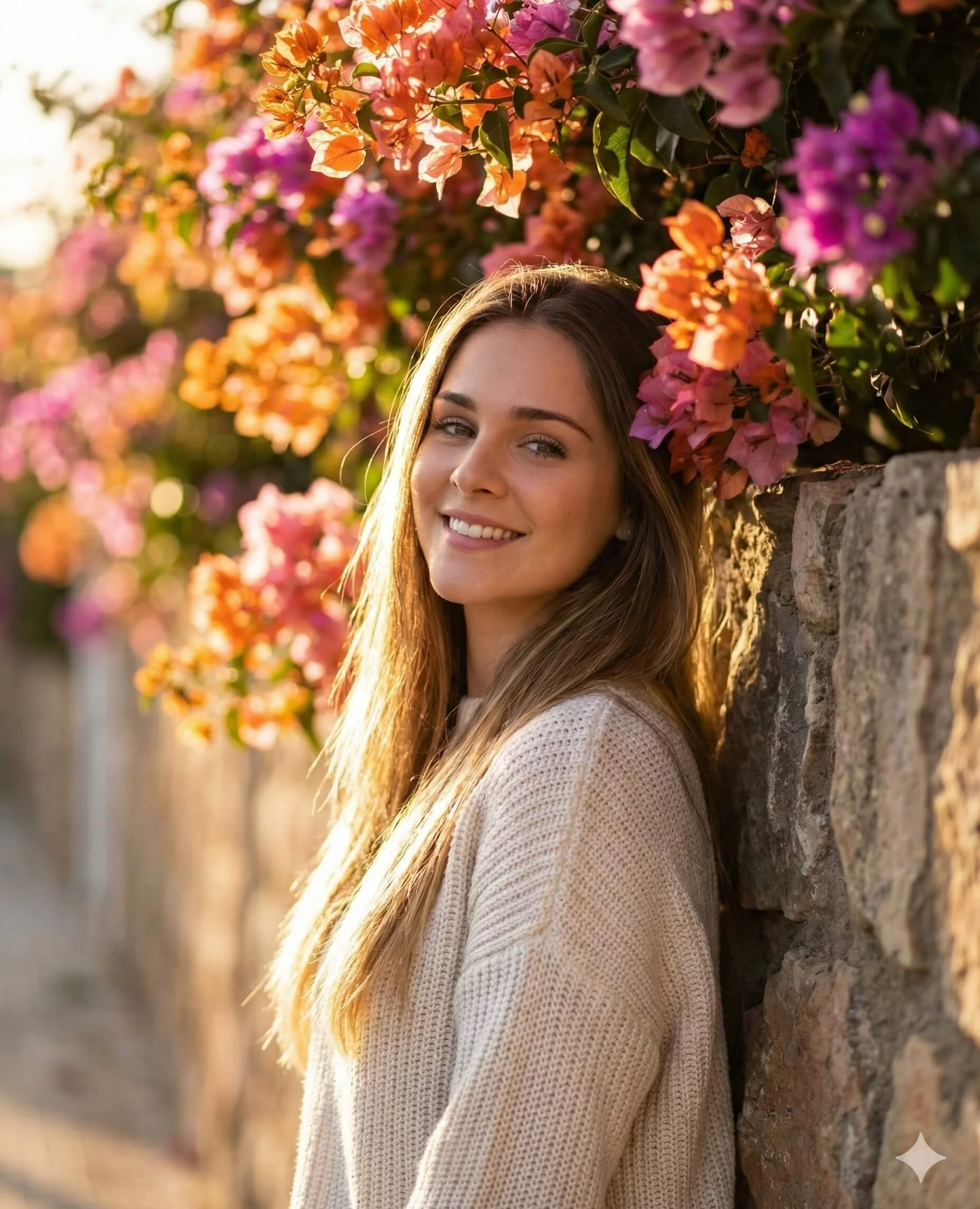
Create an ultra-realistic, soft sunlit outdoor portrait of a person leaning gently against a textured stone wall covered with vibrant blooming bougainvillea flowers in shades of orange, pink, and magenta. The subject is positioned slightly angled toward the camera, with a relaxed posture and shoulders lightly touching the wall.
Face & Expression:
Natural, warm smile with a calm, approachable expression. Eyes softly engaged with the camera. Maintain natural skin texture with visible pores, no over-smoothing.
Hair:
Loose, naturally flowing hair with subtle movement, softly illuminated by backlighting, creating a gentle golden rim light along the edges.
Outfit:
Light beige knitted sweater with soft texture, minimal styling, cozy and casual aesthetic.
Composition & Framing:
Vertical portrait (4:5), medium close-up framing (from mid-torso to above head). Subject slightly right of center, with floral elements filling the upper background. Balanced negative space on the left side with depth.
Lighting:
Golden hour natural sunlight from behind and slightly to the side, creating a warm glow and soft highlights on hair and face. Gentle shadow falloff across the face, no harsh contrast. Subtle lens warmth and cinematic tone.
Background:
Shallow depth of field with creamy bokeh. Stone wall texture visible on the right. Colorful flowers cascading across the top and fading into blur toward the distance.
Camera & Technical Details:
85mm lens, eye-level angle, f/1.8 aperture for strong subject-background separation, ultra-detailed, sharp focus on face, natural color grading, 8K resolution.
Style:
Cinematic lifestyle photography, soft romantic tone, natural color palette, warm highlights, dreamy atmosphere.
How to use this prompt
Paste the complete prompt into a modern image model. Add any required reference image, generate the first version without rewriting the source prompt, and then request one precise revision at a time.
Best AI model
Use a modern image model that supports the instructions and reference-image workflow described in the prompt.
Tips for better results
• Attach a clear, well-lit reference image and state which identity details must remain unchanged.
• Keep the requested 4:5 framing during revisions.
• Preserve the specified lighting direction and contrast before changing wardrobe, pose, or background.
• Generate the complete prompt first, then refine one visual detail per revision.
• Keep the core subject and composition consistent while comparing variations.
Frequently Asked Questions
What does “Golden hour floral portrait” create?
It creates the subject, composition, and visual treatment described in the original prompt.
Which model should I use?
The source identifies a modern image model; follow the prompt's own model and reference-image requirements.
Can I customize the result?
Yes. Generate the original prompt first, then change one detail at a time while preserving the core composition.