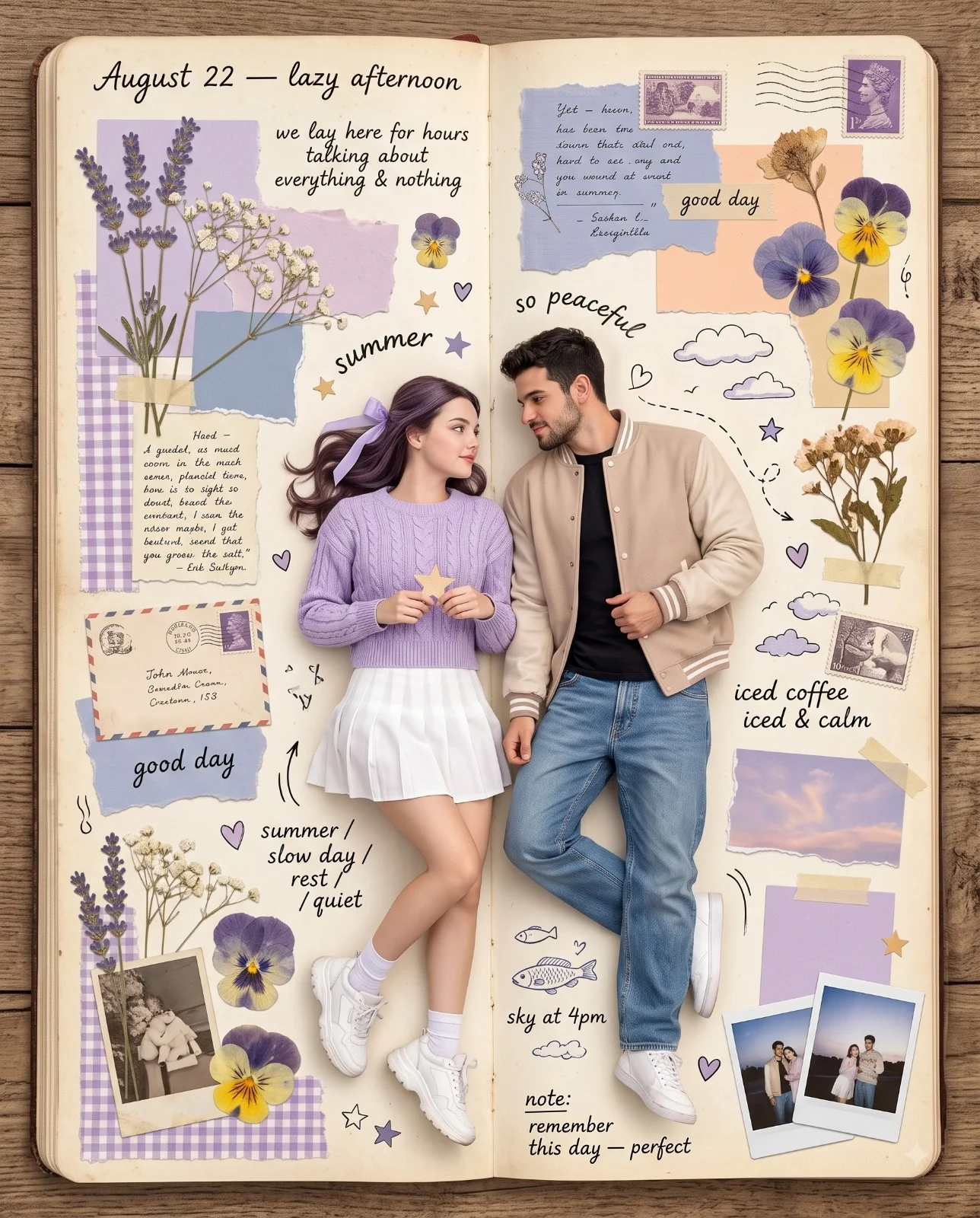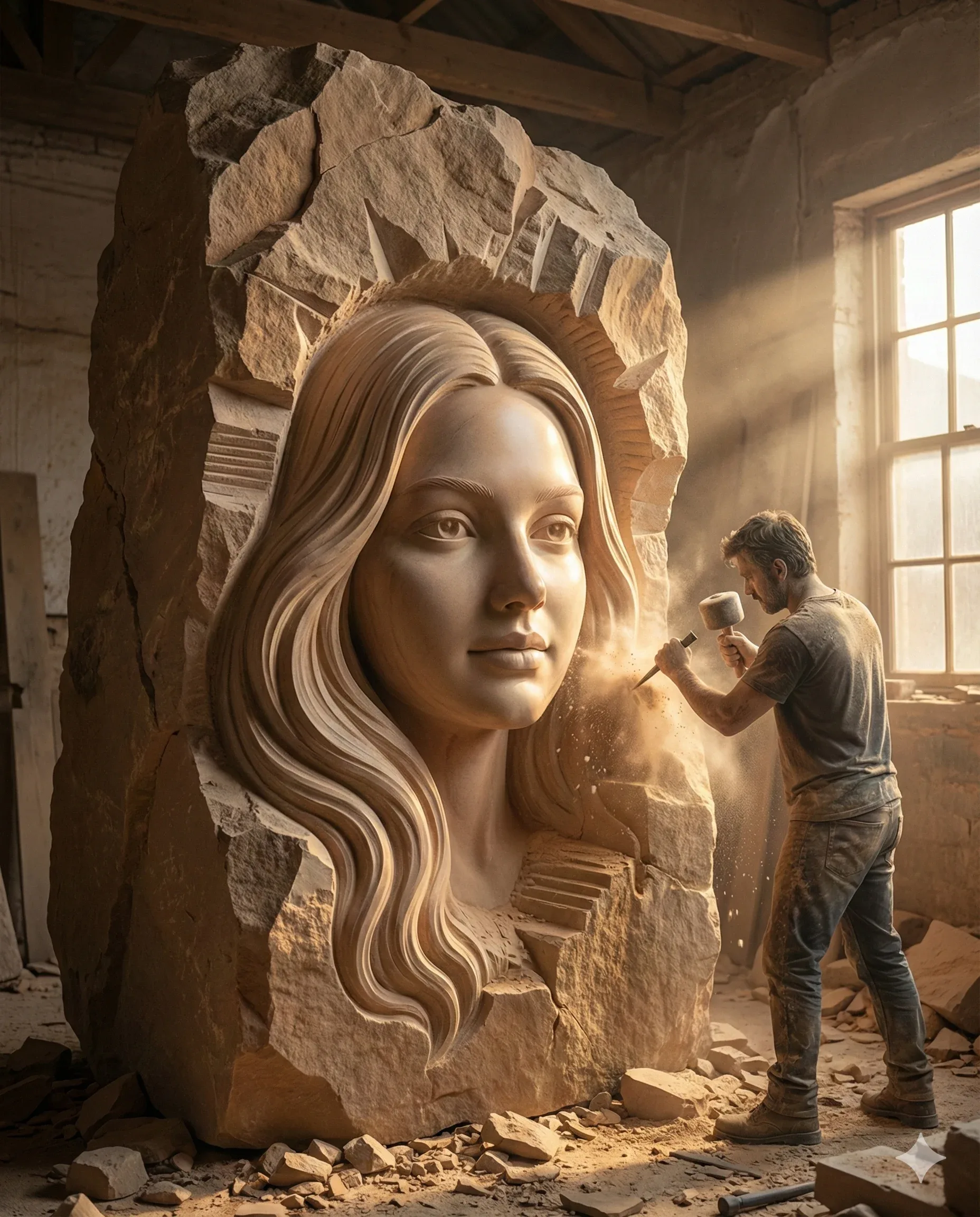
Giant Sandstone Face Sculptor Workshop Prompt
Prompt
Create a hyper-real cinematic 8K vertical 4:5 render with Octane or Unreal Engine 5 character. From a medium-wide low viewpoint, make a towering warm-tan sandstone monolith dominate the workshop.

From its center, reveal an enormous exquisitely finished female face that matches the reference identity. Polish the facial surface smooth while leaving the surrounding block fractured, raw, and jagged. Carve heavy flowing hair waves that change from defined strands into unfinished stone, with stepped planes and deep chisel scars marking the transition.

On the right, show a dust-covered male sculptor in rugged workwear, tiny against the face, swinging a mallet into a chisel. Freeze an active burst of fine stone powder at impact. Scatter chips, rubble, and heavy tools across the floor.

Set the work in an old stone-walled studio at golden hour. Intense sunlight enters through a large right-side window, forming volumetric rays through airborne dust and a strong rim on raw stone and the craftsman. Keep warm earth hues, tactile detail, monumental scale, and deep cinematic shadow.
How to use this prompt
Paste the complete prompt into Gemini. Add any required reference image, generate the first version without rewriting the source prompt, and then request one precise revision at a time.
Best AI model
Gemini is the model identified by the original source page for this prompt.
Tips for better results
• Attach a clear, well-lit reference image and state which identity details must remain unchanged.
• Preserve the specified lighting direction and contrast before changing wardrobe, pose, or background.
• Generate the complete prompt first, then refine one visual detail per revision.
• Keep the core subject and composition consistent while comparing variations.
Frequently Asked Questions
What does “Carving the Infinite” create?
It creates the subject, composition, and visual treatment described in the original prompt.
Which model should I use?
The source identifies Gemini; follow the prompt's own model and reference-image requirements.
Can I customize the result?
Yes. Generate the original prompt first, then change one detail at a time while preserving the core composition.