Endless Love Couple Silhouette Portrait Prompt
Prompt
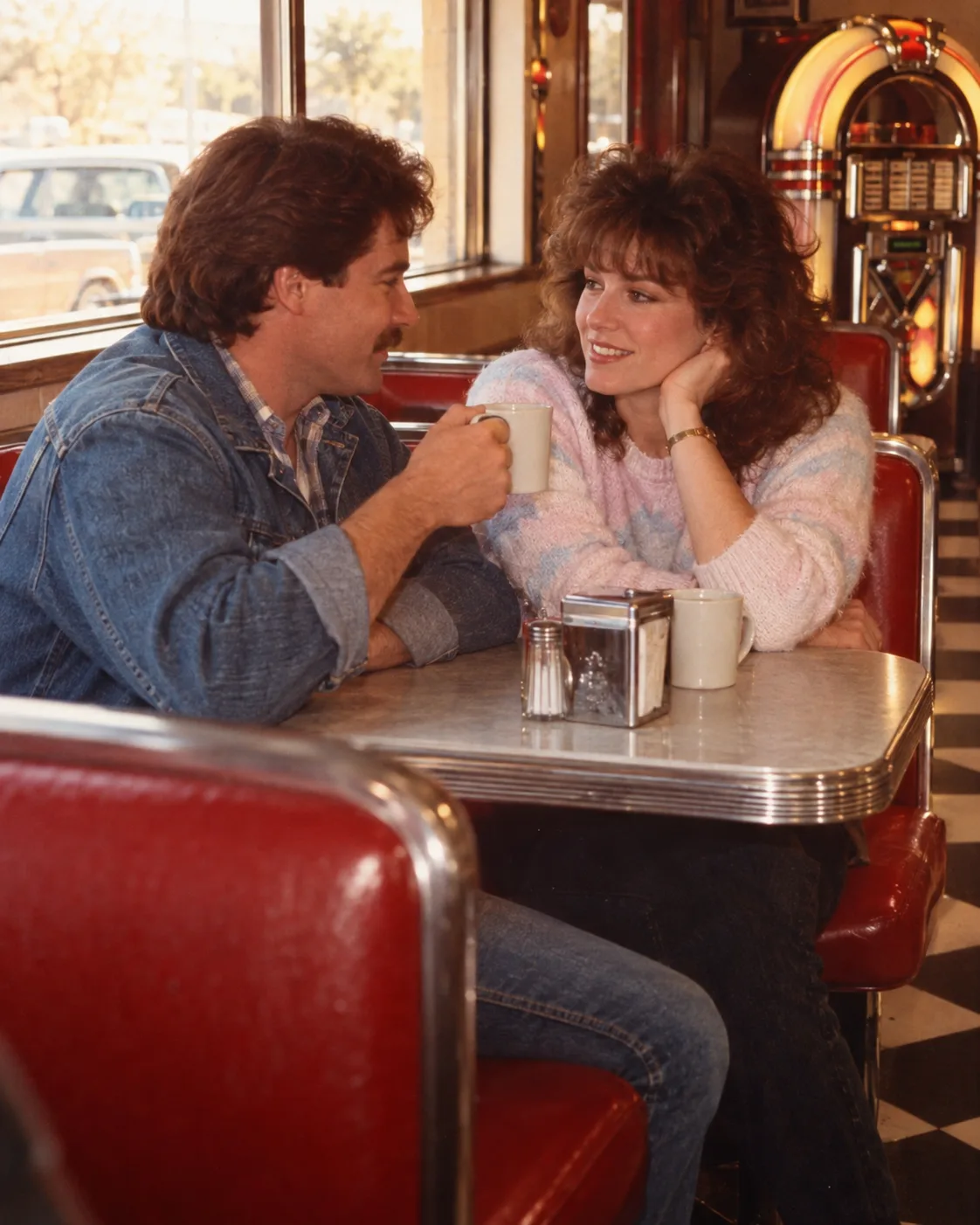
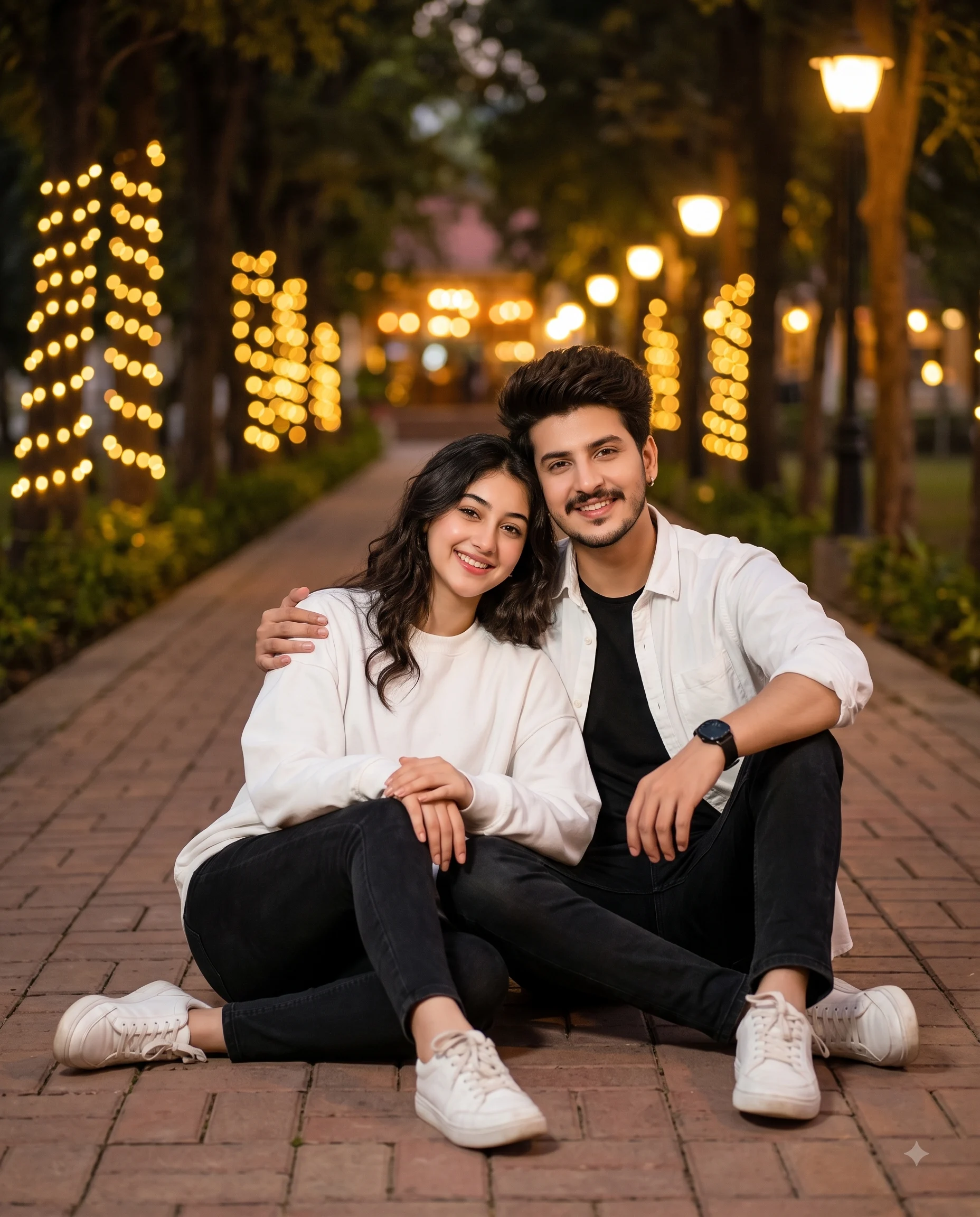
Use the provided reference images to match the identity, age, and facial features of both subjects. Preserve their natural facial structure, proportions, hairline, and overall likeness. Do not beautify, stylize, or alter their identities in any way. Ensure the silhouettes still reflect the correct face shape and recognizable profile of each subject.
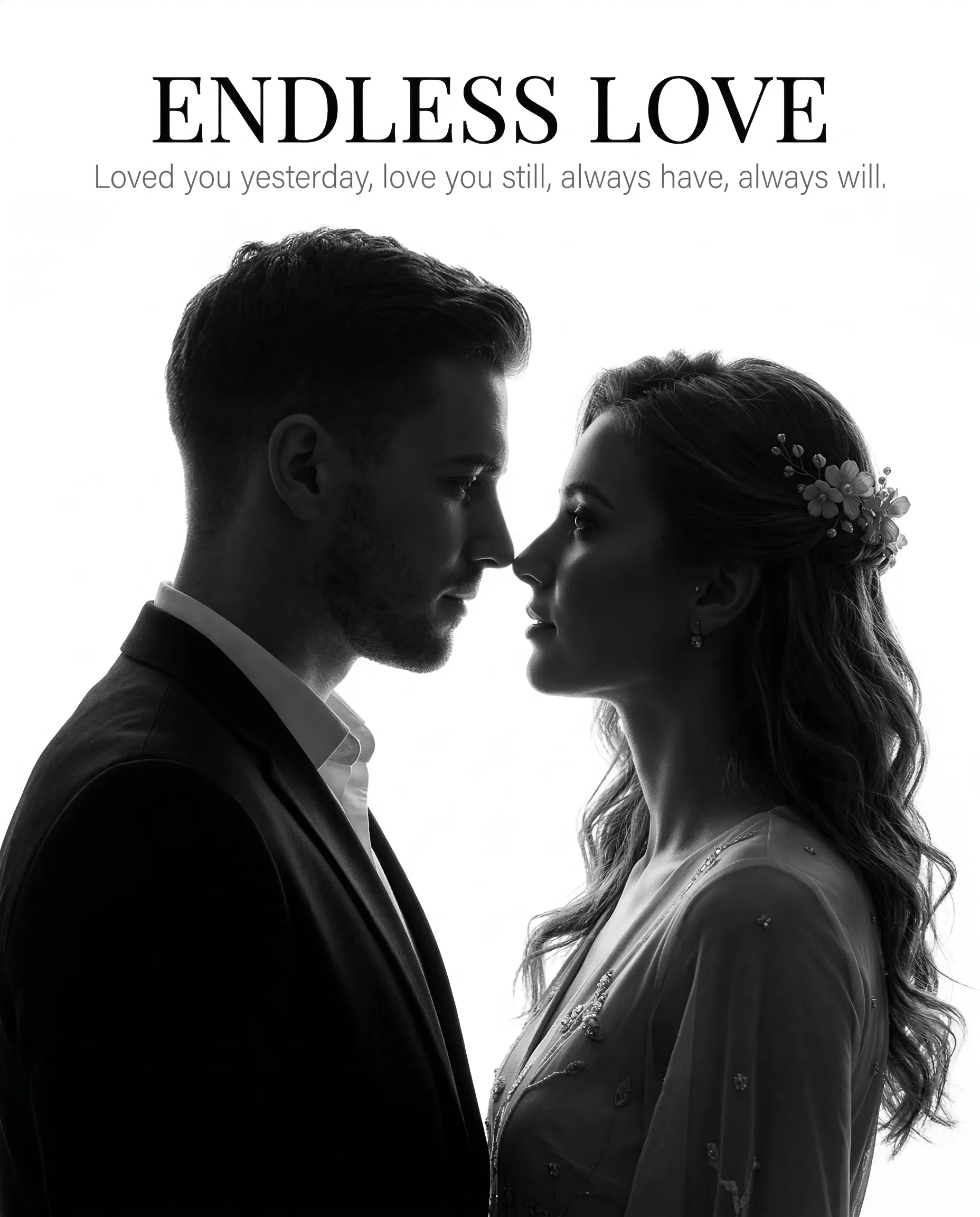
Create a dramatic black-and-white high-contrast silhouette portrait of a couple standing extremely close to each other in an almost-kiss pose.
Composition & Framing
Vertical composition, 4:5 aspect ratio.
Close-up framing from the chest or shoulders upward. The couple is centered in the frame, facing each other in profile.
Man (left side): Facing right. He has short, neatly styled hair and light stubble, wearing a formal blazer with a collared shirt. His head is slightly tilted downward toward the woman.
Woman (right side): Facing left. She has naturally long, wavy hair with a floral hairpiece positioned on the upper side of her head, small earrings, and an elegant outfit with subtle decorative details. Her head is slightly tilted upward toward the man.
Their noses are almost touching and their foreheads nearly meet. They maintain direct eye contact with each other, creating a romantic and intimate moment.
Lighting & Style
The couple appears as deep black silhouettes against a pure bright white backlit background. Strong rim lighting clearly defines the contours of their faces, hair, and bodies, creating a sharp separation between the subjects and the background.
The image should resemble professional cinematic studio silhouette photography with crisp edges, smooth gradients, and strong contrast. Render the image in high-contrast monochrome with high-key lighting and absolutely no color.
Typography
Place the text centered at the top of the image with clear spacing from the edge.
Title: “ENDLESS LOVE” in a large, elegant serif font.
Subtitle below the title:
“Loved you yesterday, love you still, always have, always will.”
Use a thin, spaced grey font for the subtitle.
How to use this prompt
Paste the complete prompt into Gemini. Add any required reference image, generate the first version without rewriting the source prompt, and then request one precise revision at a time.
Best AI model
Gemini is the model identified by the original source page for this prompt.
Tips for better results
• Attach a clear, well-lit reference image and state which identity details must remain unchanged.
• Keep the requested 4:5 framing during revisions.
• Preserve the specified lighting direction and contrast before changing wardrobe, pose, or background.
• Check generated typography carefully and regenerate only the text area if lettering is inaccurate.
• Generate the complete prompt first, then refine one visual detail per revision.
Frequently Asked Questions
What does “Eternal Silhouette” create?
It creates the subject, composition, and visual treatment described in the original prompt.
Which model should I use?
The source identifies Gemini; follow the prompt's own model and reference-image requirements.
Can I customize the result?
Yes. Generate the original prompt first, then change one detail at a time while preserving the core composition.