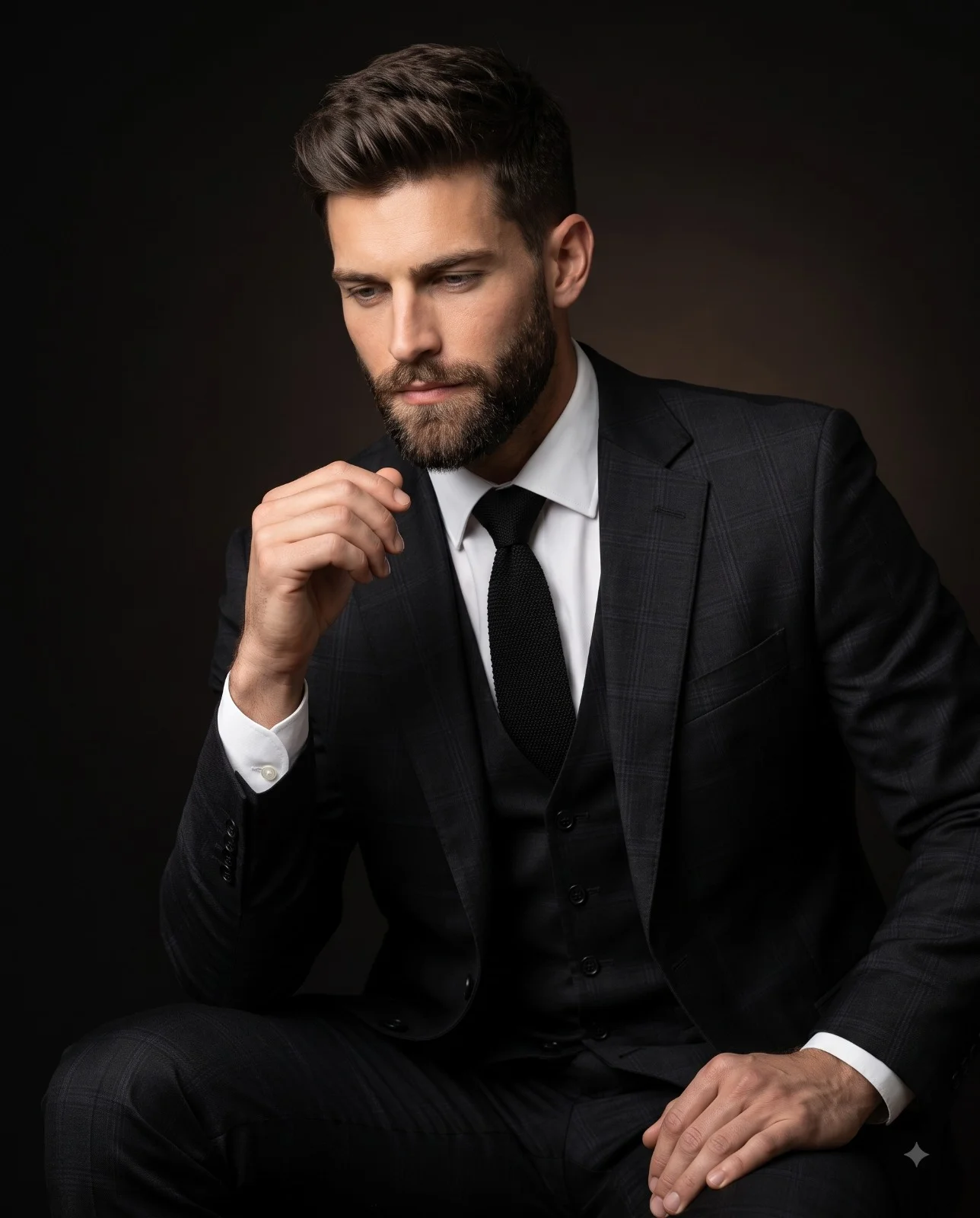
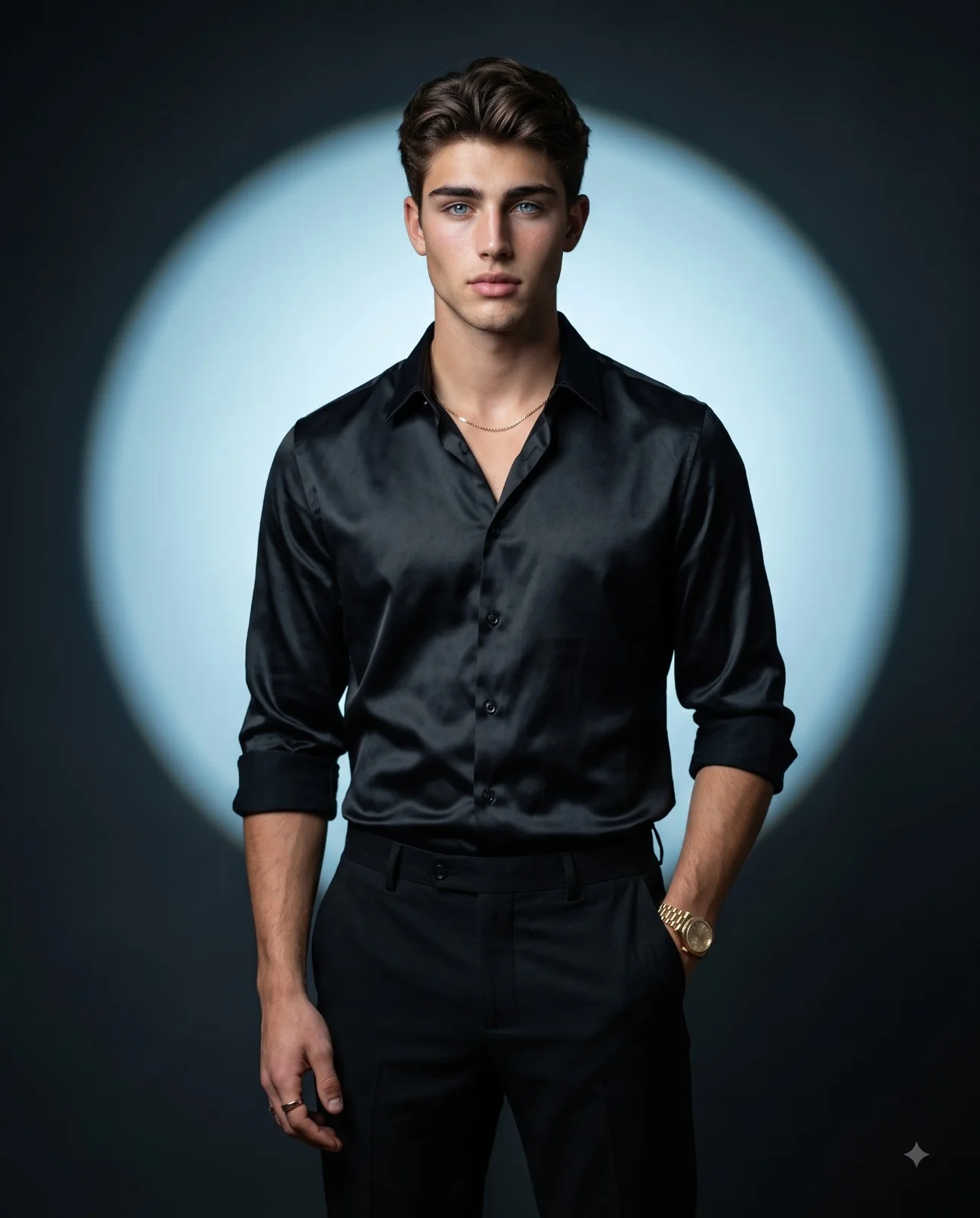
Dual Portrait Mens Fashion Poster AI Prompt
Prompt
Create a 4:5 aspect ratio, hyper-realistic 8k composite image, designed as a professional graphic poster, featuring a dynamic dual-portrait composition against a smooth, dark gray to black gradient background. On the right, a large, grayscale, medium close-up studio portrait of a smiling person, uploaded face as reference, looking directly at the viewer with a broad smile. The subject has well-groomed hair and a short beard, wearing a simple t-shirt and a visible chain, illuminated by soft, cinematic front-right lighting creating subtle highlights and shadows. On the left, a smaller, full-body, full-color figure, uploaded face as reference, stands on a prominent, thick, vertical yellow graphic bar that extends from the top to the bottom of the frame and recedes into the background with black horizontal lines suggesting a path. This figure is seen in a slightly turned pose, wearing sunglasses, an open olive-green jacket over a light t-shirt, dark blue jeans, and brown shoes, holding an object in clasped hands. Vertical black text, 'PROMPT PLUM', is prominently displayed on the yellow bar, oriented bottom-to-top, partially obscured by the standing figure. At the bottom right, white text reads 'A MAN OF STYLE' with 'FASHION' below it. The overall image features highly detailed textures and a clean, sharp aesthetic, combining studio photography with graphic design elements.
How to use this prompt
Paste the complete prompt into Gemini. Add any required reference image, generate the first version without rewriting the source prompt, and then request one precise revision at a time.
Best AI model
Gemini is the model identified by the original source page for this prompt.
Tips for better results
• Attach a clear, well-lit reference image and state which identity details must remain unchanged.
• Preserve the specified lighting direction and contrast before changing wardrobe, pose, or background.
• Check generated typography carefully and regenerate only the text area if lettering is inaccurate.
• Generate the complete prompt first, then refine one visual detail per revision.
• Keep the core subject and composition consistent while comparing variations.
Frequently Asked Questions
What does “The Style Path” create?
It creates the subject, composition, and visual treatment described in the original prompt.
Which model should I use?
The source identifies Gemini; follow the prompt's own model and reference-image requirements.
Can I customize the result?
Yes. Generate the original prompt first, then change one detail at a time while preserving the core composition.