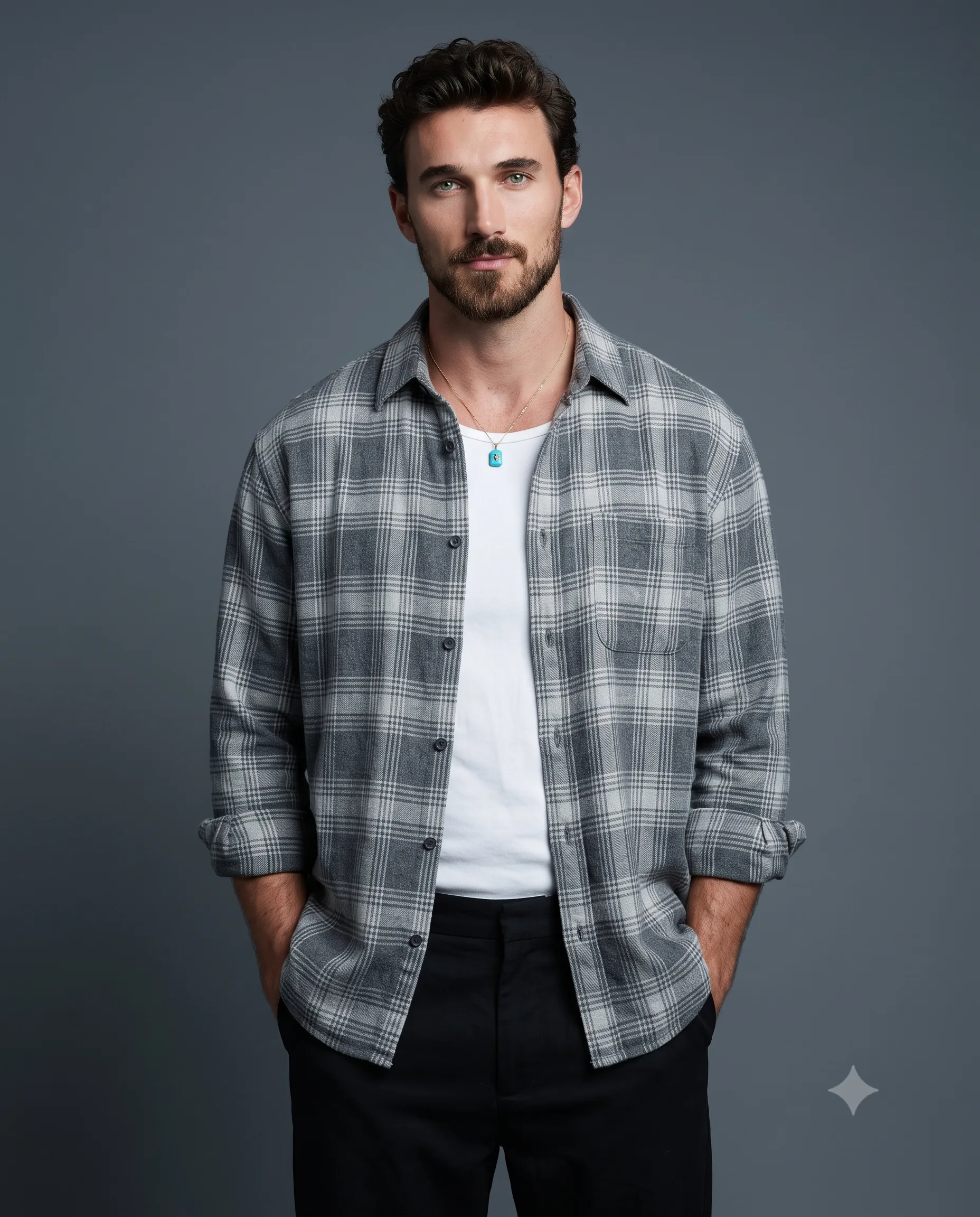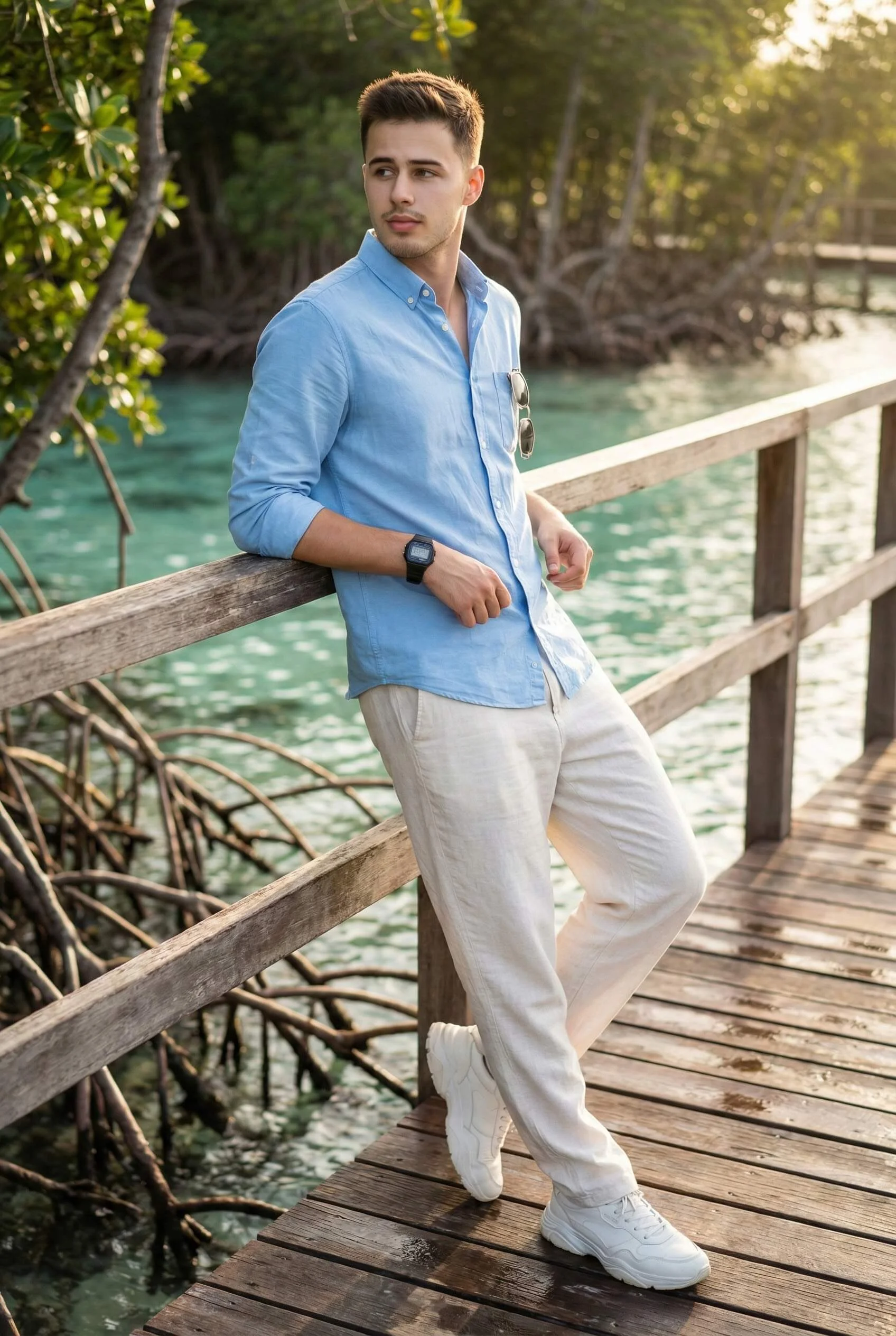
Coastal Boardwalk Male Lifestyle Portrait Prompt
Prompt
Create a vertical 4:5 ultra-real full-body lifestyle portrait, using the upload strictly as the only face source. Show the person completely from head to toe, slightly off-centre, leaning on a wooden railing along a narrow boardwalk. Work at eye level with an 85mm look and shallow depth.

Use an easy leaning posture: one leg bent with foot against a plank, one arm over the rail, and the other near the waist. Turn the head away from camera with a thoughtful expression. Dress him in a sky-blue rolled-sleeve button-up, loose breathable off-white trousers, and clean chunky white sneakers. Add a black Casio-style sports watch and frameless sunglasses hanging subtly from the shirt.

Set clear shallow turquoise water beneath the walkway, detailed mangrove roots, and lush greenery with recognisable soft blur. Side/back golden-hour sun should produce facial highlights, edge light, gentle shade, natural complexion, cinematic warmth, and faint water reflections. Finish with sharp subject, pores, HDR, lifelike materials, and 8K detail without CGI or smoothing.
How to use this prompt
Paste the complete prompt into Gemini. Add any required reference image, generate the first version without rewriting the source prompt, and then request one precise revision at a time.
Best AI model
Gemini is the model identified by the original source page for this prompt.
Tips for better results
• Attach a clear, well-lit reference image and state which identity details must remain unchanged.
• Preserve the specified lighting direction and contrast before changing wardrobe, pose, or background.
• Generate the complete prompt first, then refine one visual detail per revision.
• Keep the core subject and composition consistent while comparing variations.
Frequently Asked Questions
What does “Coastal Calm” create?
It creates the subject, composition, and visual treatment described in the original prompt.
Which model should I use?
The source identifies Gemini; follow the prompt's own model and reference-image requirements.
Can I customize the result?
Yes. Generate the original prompt first, then change one detail at a time while preserving the core composition.