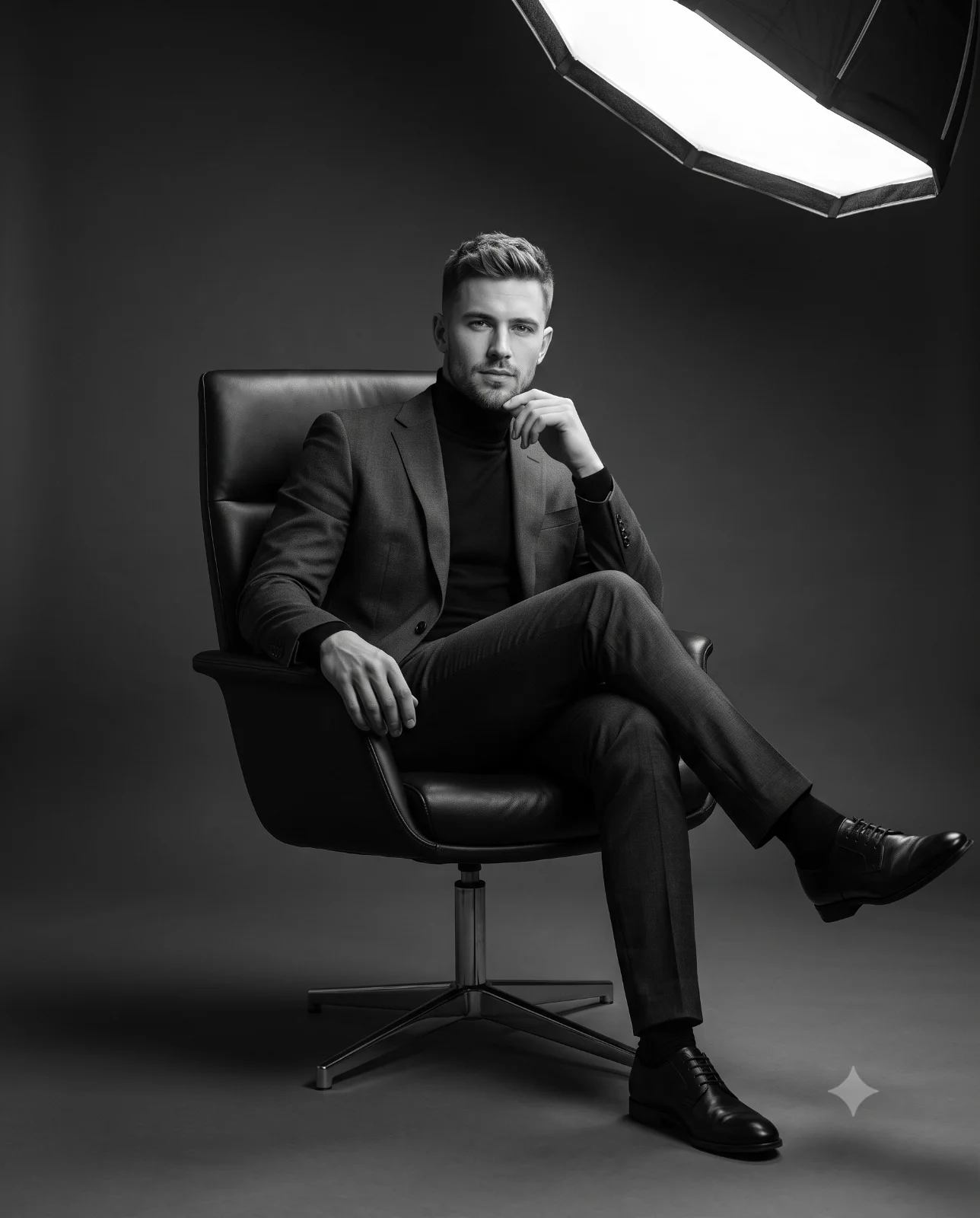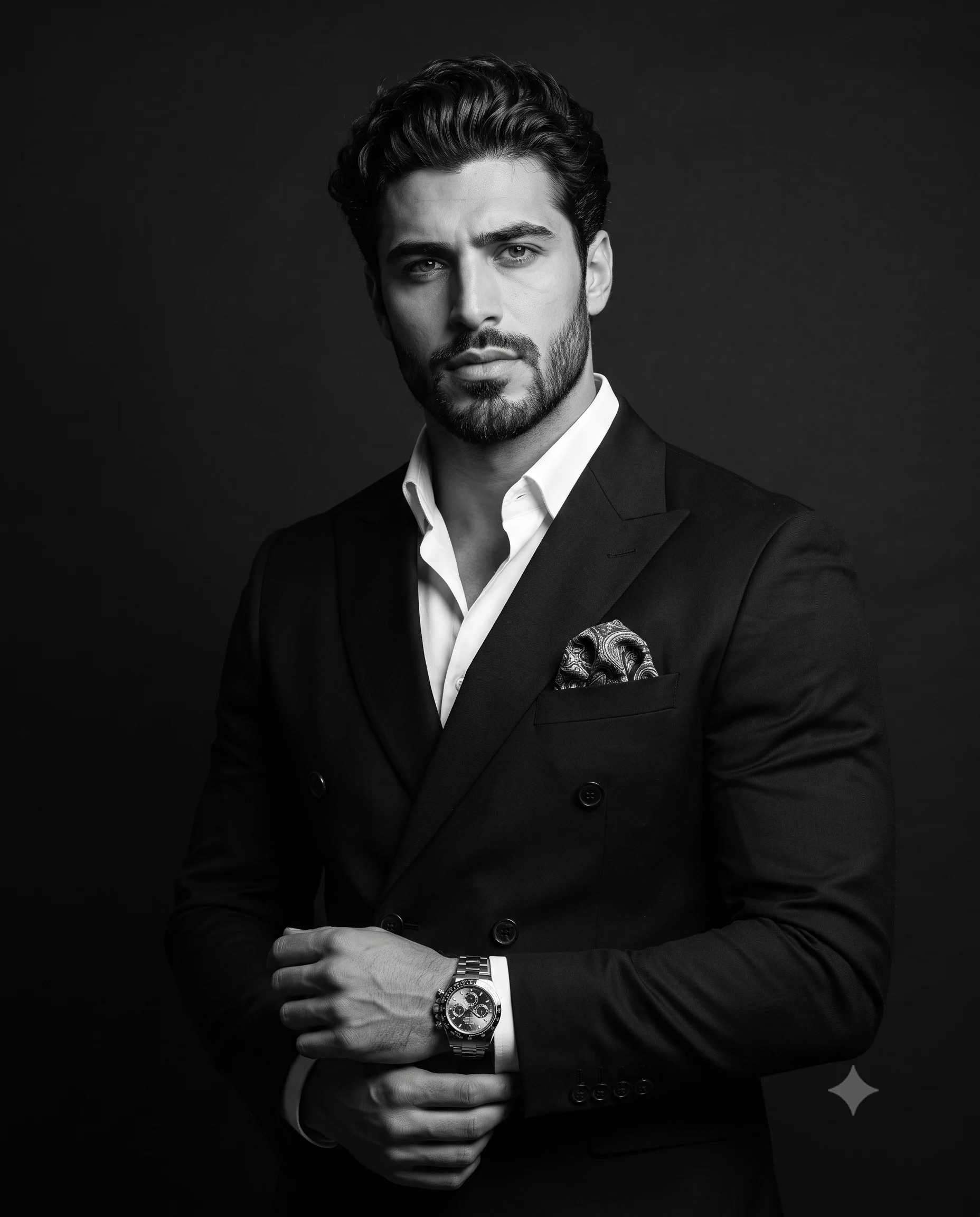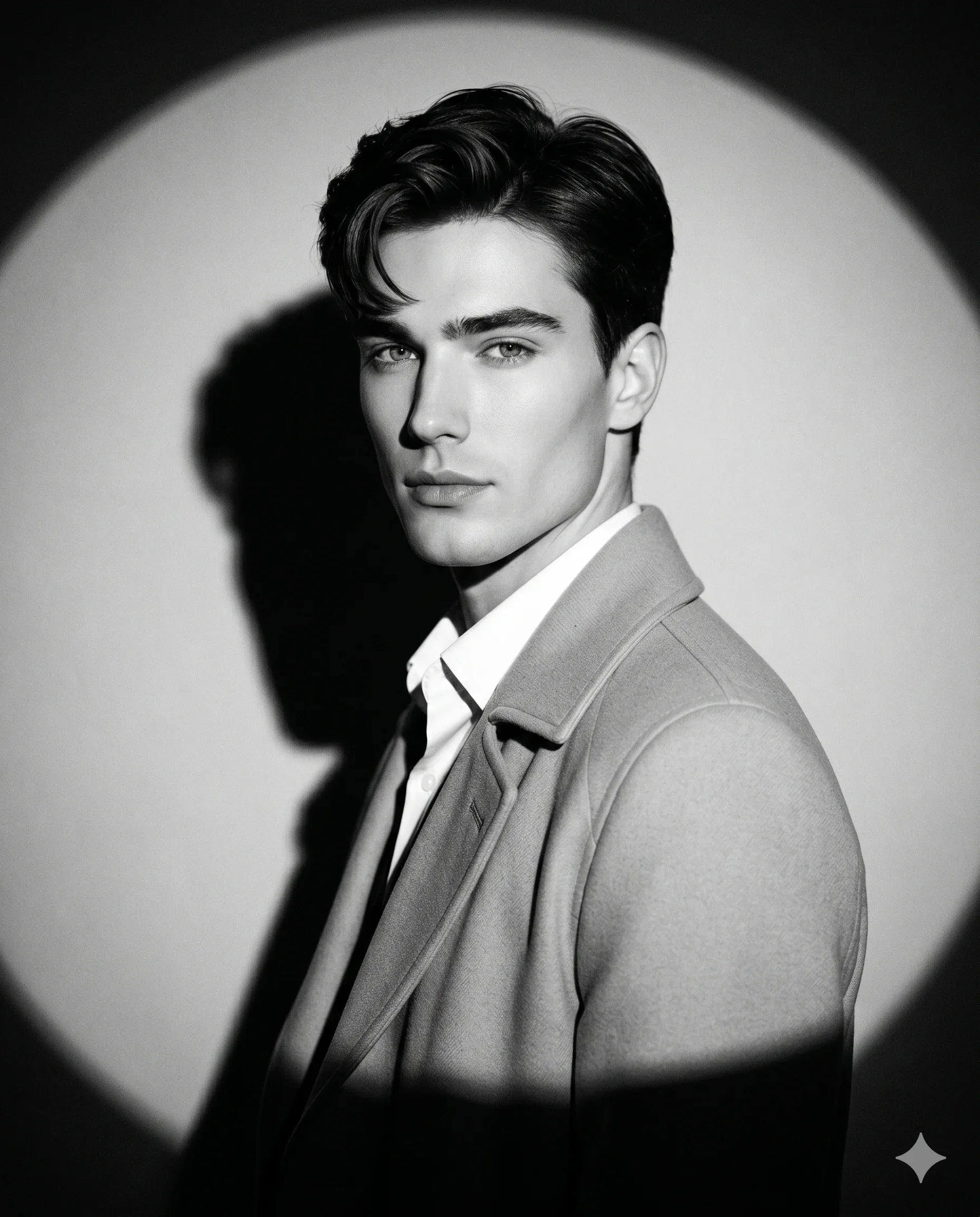
Circular Spotlight Black and White Male Portrait Prompt
Prompt
Create a vertical 4:5 ultra-realistic black-and-white fashion-editorial portrait in a spare studio. Lock the face to the upload.

Frame a refined half-body side pose. Turn the torso slightly away while the head returns toward the lens. Keep shoulders easy, neck naturally elongated, posture poised, and expression calm with direct eye contact. Style dark hair with soft natural volume.

Layer a light tailored overcoat over a crisp white collared shirt. Render both as premium fabrics with believable softness and detail.

On a clean monochrome wall, center a large circular spotlight directly behind head and shoulders to form a visible halo. Cast a hard cinematic shadow beside the man while keeping the set uncluttered and balanced.

Use a directional hard key for film-noir contrast, rich black, bright controlled highlights, carved facial depth, dramatic shadow falloff, and light film grain. Simulate eye-level 85mm photography, shallow depth, sharp eyes and facial detail, 8K texture, monochrome grading, and luxury magazine quality.
How to use this prompt
Paste the complete prompt into Gemini. Add any required reference image, generate the first version without rewriting the source prompt, and then request one precise revision at a time.
Best AI model
Gemini is the model identified by the original source page for this prompt.
Tips for better results
• Attach a clear, well-lit reference image and state which identity details must remain unchanged.
• Preserve the specified lighting direction and contrast before changing wardrobe, pose, or background.
• Generate the complete prompt first, then refine one visual detail per revision.
• Keep the core subject and composition consistent while comparing variations.
Frequently Asked Questions
What does “Stark Shadows” create?
It creates the subject, composition, and visual treatment described in the original prompt.
Which model should I use?
The source identifies Gemini; follow the prompt's own model and reference-image requirements.
Can I customize the result?
Yes. Generate the original prompt first, then change one detail at a time while preserving the core composition.