Aviator Gentleman Graphic Novel Portrait Prompt
Prompt
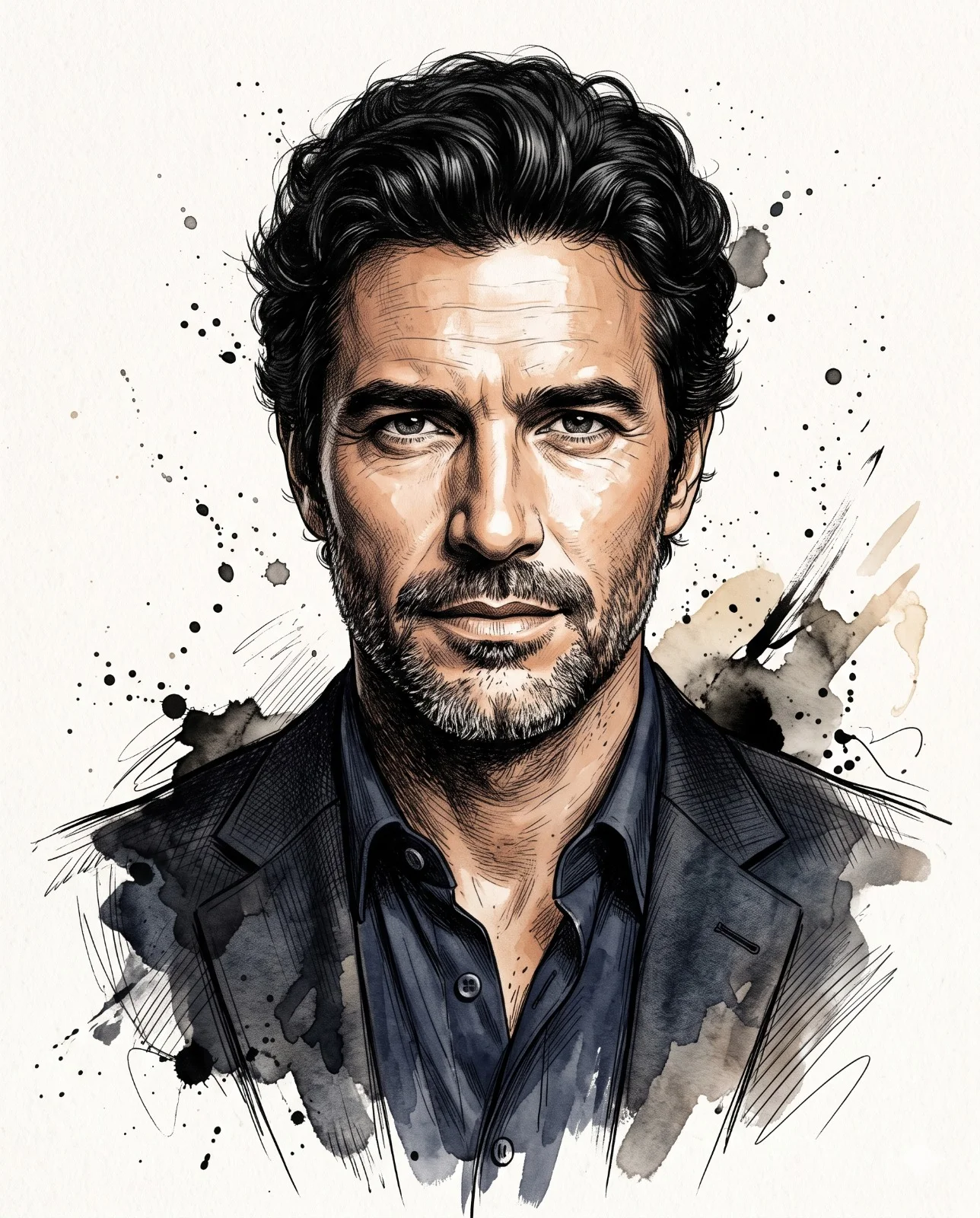
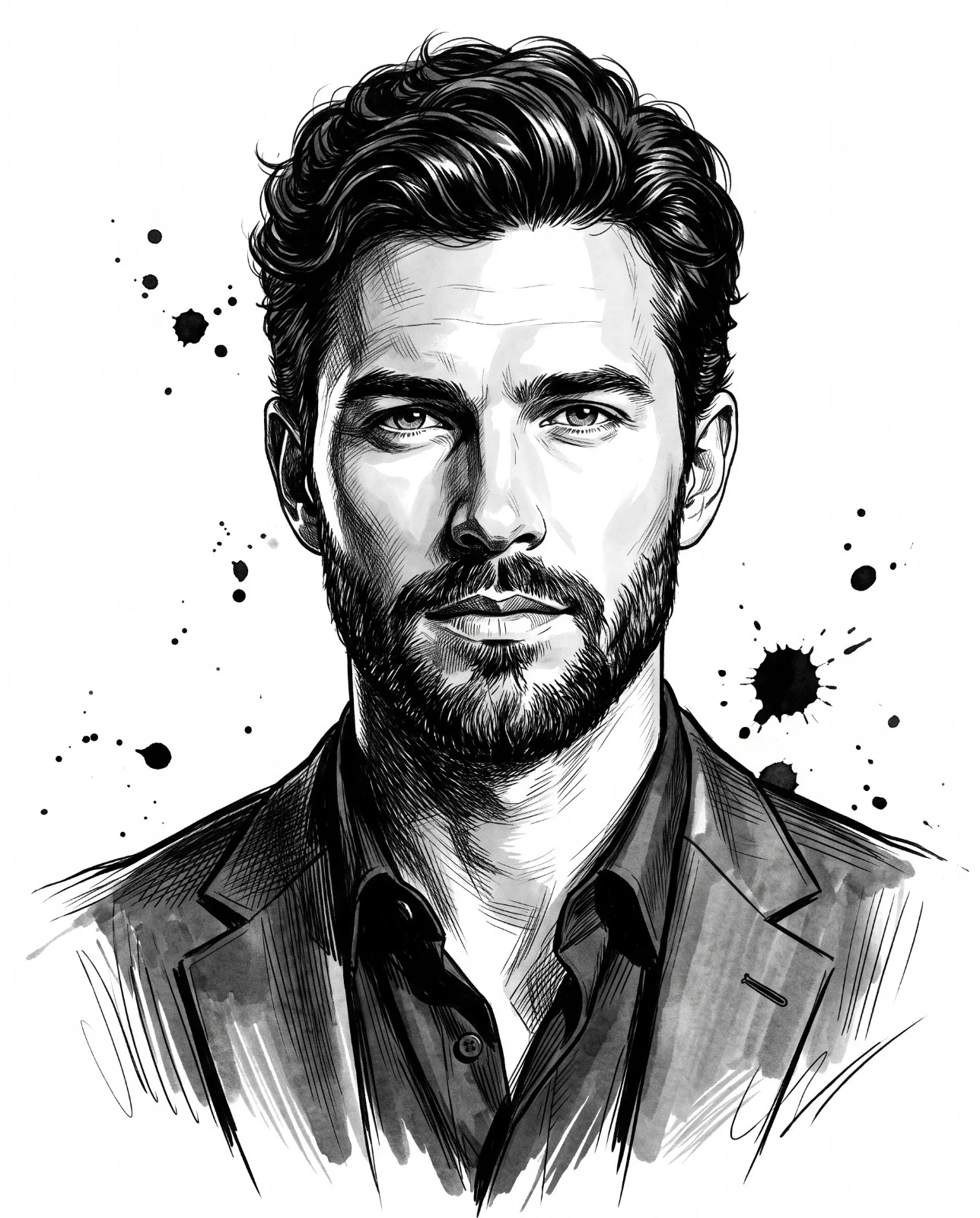
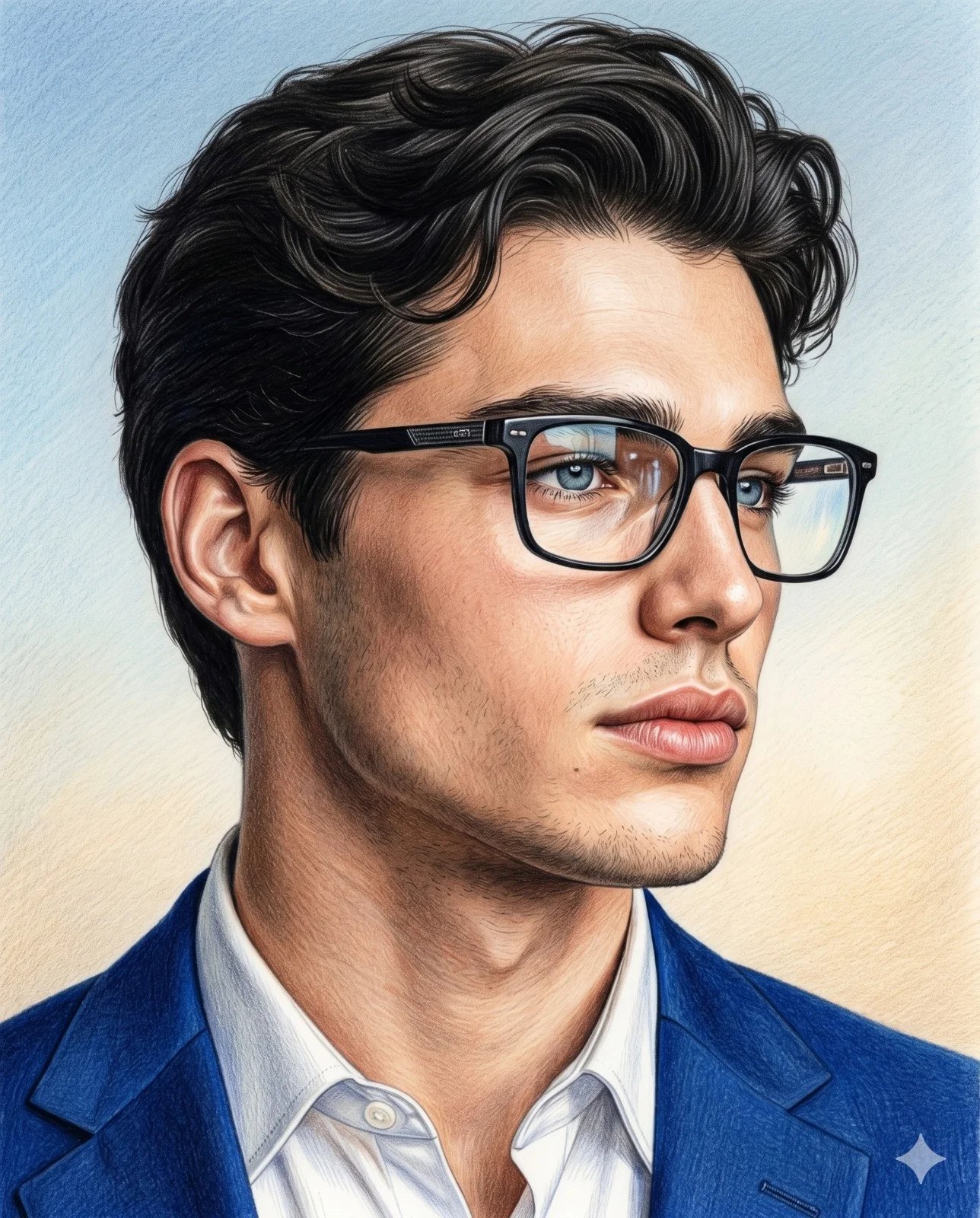
Illustrate a vertical 4:5 chest-up portrait of a handsome gentleman in a polished 2D graphic-novel style. Place him in a confident three-quarter pose, looking just off camera with calm, serious intensity. Give him thick neatly arranged textured hair and classic aviators whose cool blue-gray reflective lenses still reveal his eyes.

Tailor a black suit jacket over a crisp structured white shirt and slender black tie, adding a patterned charcoal pocket square. Define precise folds and dramatic highlights. Combine razor-sharp black ink contours, expressive strokes, elaborate crosshatching, engraving texture, high-contrast shadow, vector-like cleanliness, and the character of hand-rendered comic ink.

Restrict color to cream, white, black, charcoal, muted beige skin, and cool blue-gray eyewear. Set a minimalist cream canvas behind him, crossed by one large diagonal charcoal shape. Add restrained black splatters, drips, sketch marks, and graphic fragments while preserving strong empty space. Include no text or distortion. Finish at 8K with modern noir, luxury magazine composition, immaculate detail, and crisp focus.
How to use this prompt
Paste the complete prompt into Gemini. Add any required reference image, generate the first version without rewriting the source prompt, and then request one precise revision at a time.
Best AI model
Gemini is the model identified by the original source page for this prompt.
Tips for better results
• Keep the requested 4:5 framing during revisions.
• Check generated typography carefully and regenerate only the text area if lettering is inaccurate.
• Generate the complete prompt first, then refine one visual detail per revision.
• Keep the core subject and composition consistent while comparing variations.
Frequently Asked Questions
What does “Graphic Novel Gentleman” create?
It creates the subject, composition, and visual treatment described in the original prompt.
Which model should I use?
The source identifies Gemini; follow the prompt's own model and reference-image requirements.
Can I customize the result?
Yes. Generate the original prompt first, then change one detail at a time while preserving the core composition.