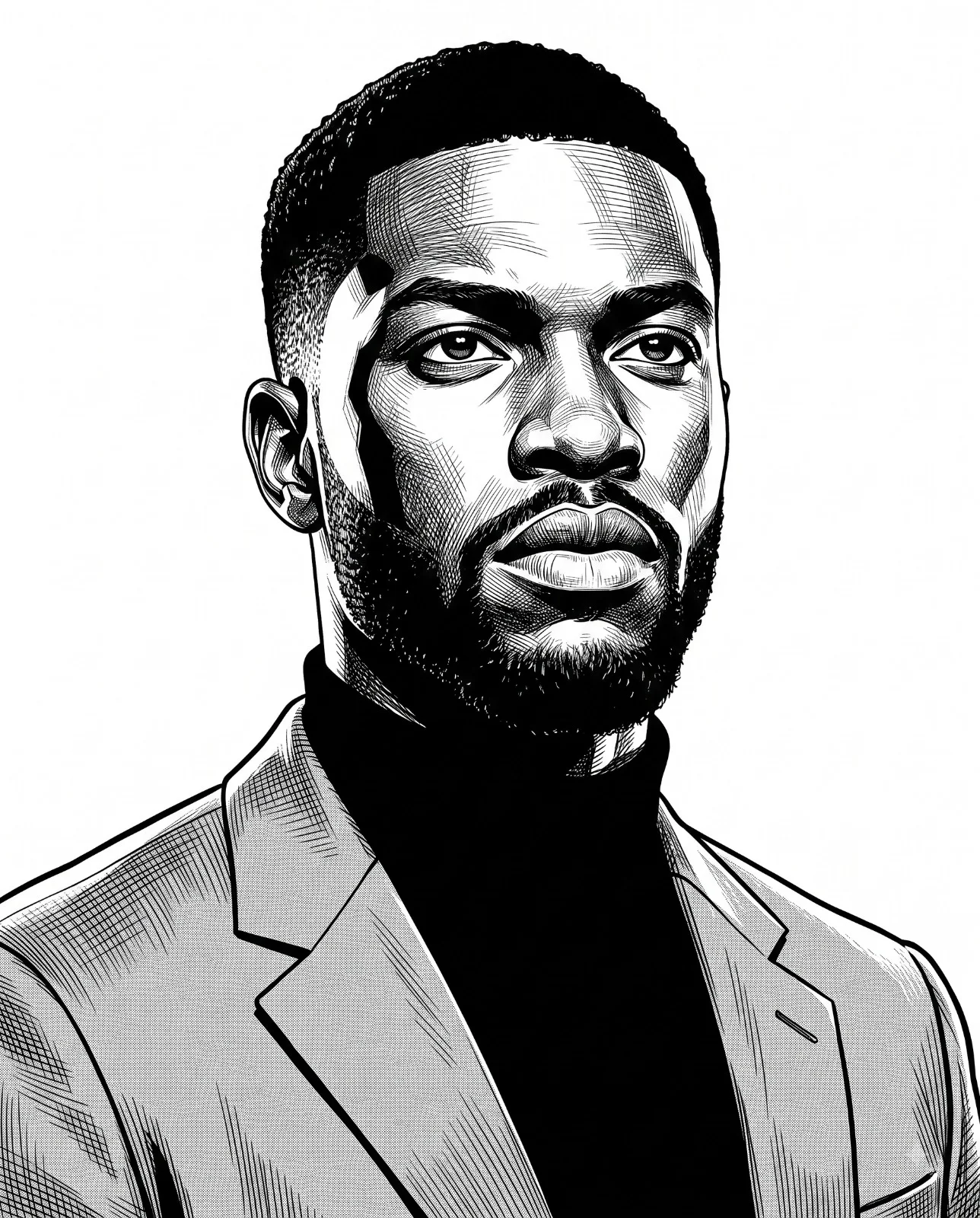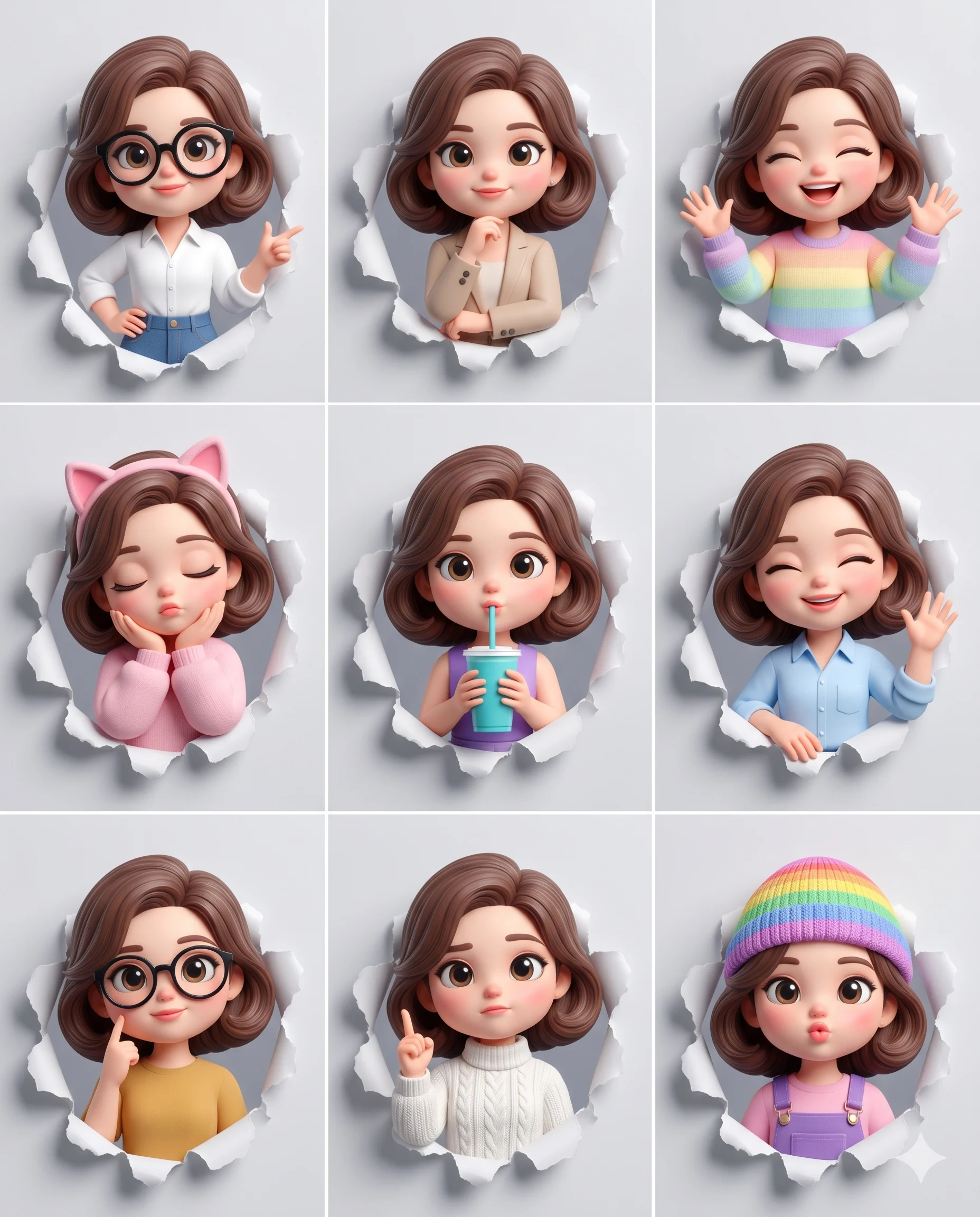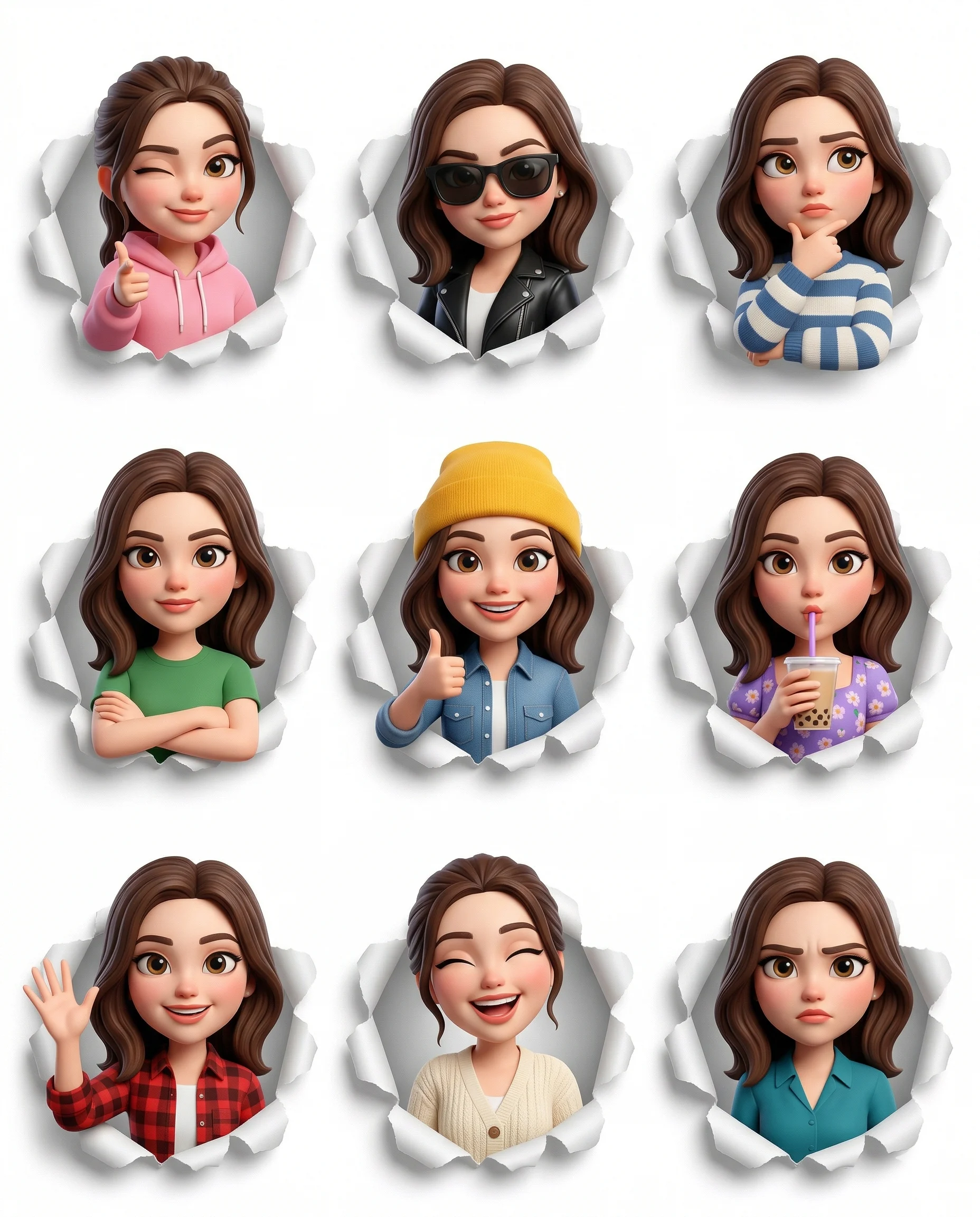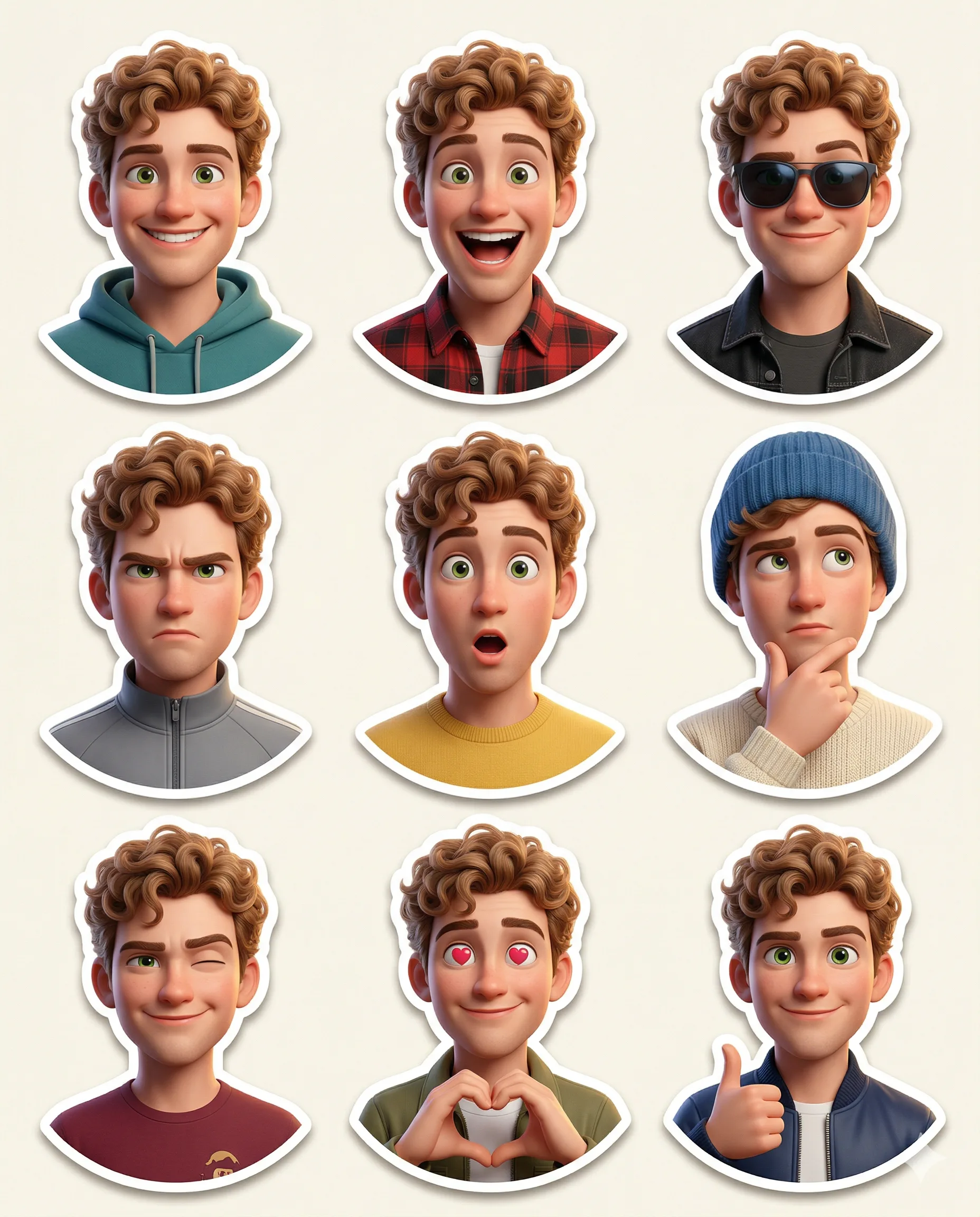
Animated Male Character Emoji Expression Pack
Prompt
Create a premium Pixar-style 3D character sticker set that is clearly recognizable as the same person. Use the uploaded image as the ONLY facial reference.
Output Requirements:
3×3 grid layout (9 stickers total)
Final aspect ratio: 4:5
Ultra high resolution (8K)
Clean cream background
Each sticker is separated with clear spacing
Add a subtle drop shadow under each sticker for depth
Character Identity (VERY IMPORTANT):
MUST preserve exact facial structure, hairstyle, grooming details, and unique features from the uploaded image
Maintain high likeness accuracy
Do NOT over beautify or alter identity beyond recognition
Style:
Pixar-style 3D animation
Glossy, high-end rendering
Soft global illumination
Smooth shading
High-detail facial textures
Framing:
All stickers must be head and shoulders (portrait close-up) only
No full-body or mid-body shots allowed
Focus tightly on face and upper shoulders to emphasize expressions
Outfit:
Modern casual and slightly stylized clothing
Each sticker must have a different outfit (no repetition at all)
Clean, minimal, and visually appealing for sticker use
Expressions & Poses (9 variations):
1. Happy smile
2. Laughing
3. Cool (with sunglasses)
4. Angry/serious
5. Surprised
6. Thinking
7. Wink
8. Love (heart eyes and heart gesture)
9. Thumbs up
Sticker Design:
Bold, clean outline
Slightly exaggerated cartoon proportions
Strong emphasis on facial expressions
Optimized for digital sticker platforms
Each sticker must have a smooth rounded bottom cutout (semi-curved base)
No text
Lighting:
Soft studio lighting
Subtle rim light for depth and separation
Goal:
Create a highly engaging, cute, and expressive sticker pack that feels premium and collectable.
How to use this prompt
Paste the complete prompt into a modern image model. Add any required reference image, generate the first version without rewriting the source prompt, and then request one precise revision at a time.
Best AI model
Use a modern image model that supports the instructions and reference-image workflow described in the prompt.
Tips for better results
• Attach a clear, well-lit reference image and state which identity details must remain unchanged.
• Keep the requested 4:5 framing during revisions.
• Preserve the specified lighting direction and contrast before changing wardrobe, pose, or background.
• Check generated typography carefully and regenerate only the text area if lettering is inaccurate.
• Generate the complete prompt first, then refine one visual detail per revision.
Frequently Asked Questions
What does “The Expression Grid” create?
It creates the subject, composition, and visual treatment described in the original prompt.
Which model should I use?
The source identifies a modern image model; follow the prompt's own model and reference-image requirements.
Can I customize the result?
Yes. Generate the original prompt first, then change one detail at a time while preserving the core composition.